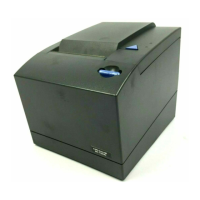
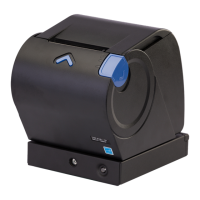
Removing the thermal printhead
Attention: The printer should be powered off. The following ESD handling
procedure is recommended: You should touch the metal on the printer frame with
the back of your hand before allowing the printhead to make contact with the
printer. Also, see “Handling static-sensitive devices” on page 51.
Follow these steps to remove the thermal printhead assembly:
1. Remove the interface card (see “Removing the interface card” on page 52 for
information on how to remove the interface card).
2. Remove both the top and main covers (see “Removing the covers” on page 53
for information on how to remove the top covers).
3. Set the unit on its back.
A
Figure 19. Paper door release lever
Removing and replacing FRUs
58
SureMark Hardware Service



 To Next Page
 Loading...