FIRMWARE UPDATING
APP code download sequence (using USB flash disk)
1. Copy APP code upgrade.pkg to USB flash disk (root folder).
Figure 1 USB flash disk
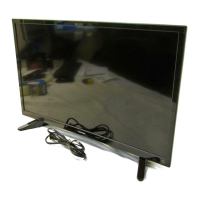
2. Plug USB flash disk into TV.
Figure 2 Plug USB Flash Disk into TV
3. Update firmware.
Press "OK" on the remote control to update the firmware.
Figure 3 Update firmware 1


 To Next Page
 Loading...