7
Getting started
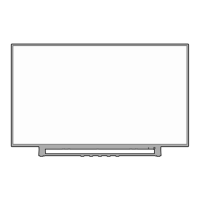
Terminals
NOTE
The location and names of the terminals on the TV may vary according to TV model, and not all terminals available on all models.
ANT
Connect an outdoor VHF/UHF antenna.
HDMI Connect an HDMI cable from an external A/V equipment.
HDMI(ARC) Connect an HDMI cable from an external digital audio system.
VIDEO
INPUT
VIDEO
Connect a composite video cable and left-right audio cables from an external AV device.
The VIDEO can be used to connect a range of equipment, including video recorders,
camcorders, decoders, satellite receivers, DVD players, or games consoles.
L
R
USB Connect a USB device for browsing photos, music and movies.
DIGITAL
AUDIO OUT
Connect an optical cable from an external digital audio system.
LAN Connect an Ethernet cable to access a network or the Internet.
HEADPHONE
Connect headphones to listen to the sound coming from the TV.
Note: Excessive sound pressure from earphones can cause hearing loss.
SERVICE
This port is not available for you to connect an external device. It can only be used by our
factory for testing purposes.



 To Next Page
 Loading...