73
4400 Series Installation and Operation Manual – 64527-008
12 Operator Interface
12.1 Operator Controls
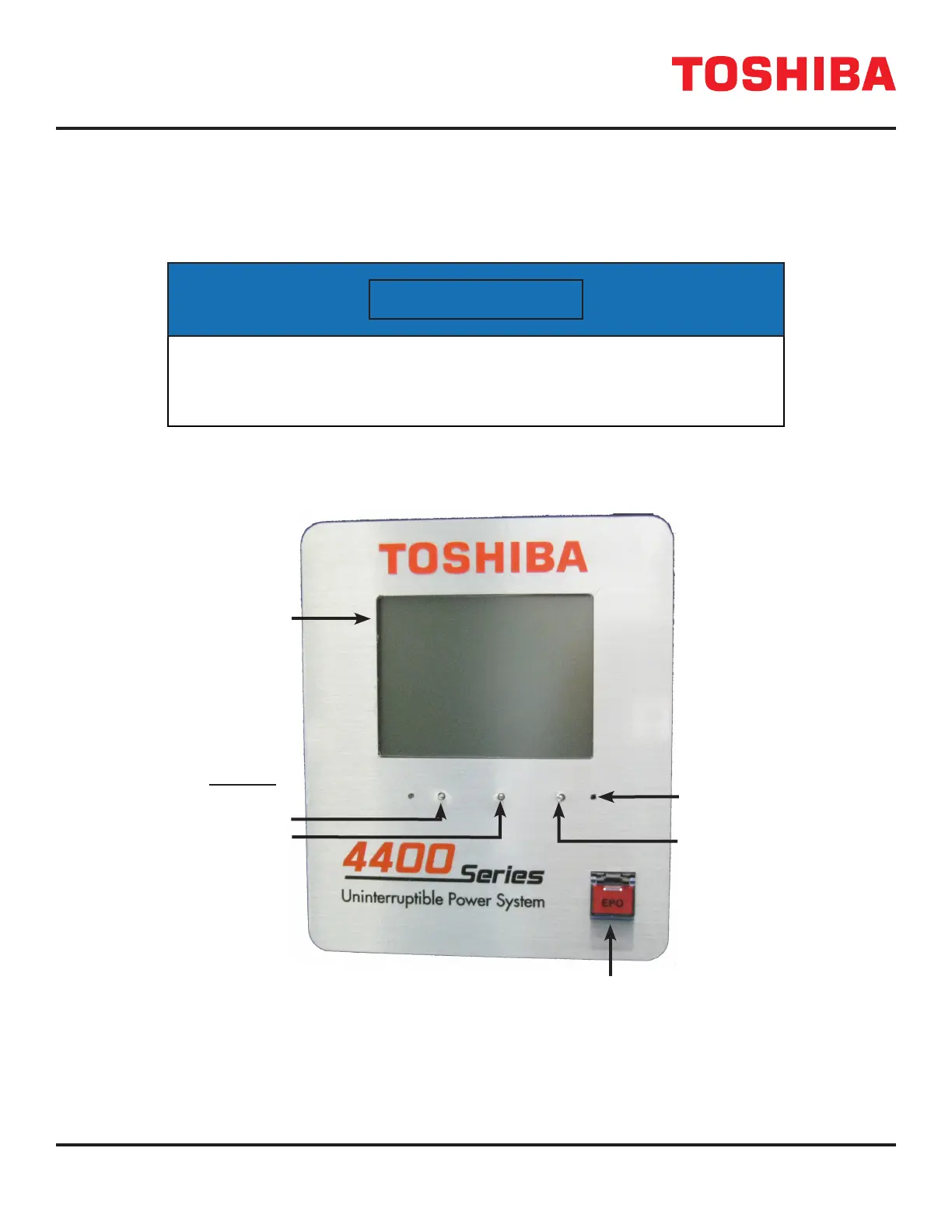
Figure 12.1 shows the functions of the operating buttons on the graphic display panel.
NOTICE
Press the reset button for at least 2 seconds to reset the display.
The display may not respond if the button press is too short.
FIGURE 12.1: UPS DISPLAY PANEL
Touch Screen Display and Control Panel
Display
Reset
Button
EPO – Emergency Power
O Switch
AC Input
On-Line/Fault
Indicators
Touch Screen
Display
Warning



 To Next Page
 Loading...



