156
WinDVD
Customizing WinDVD
Setting display properties
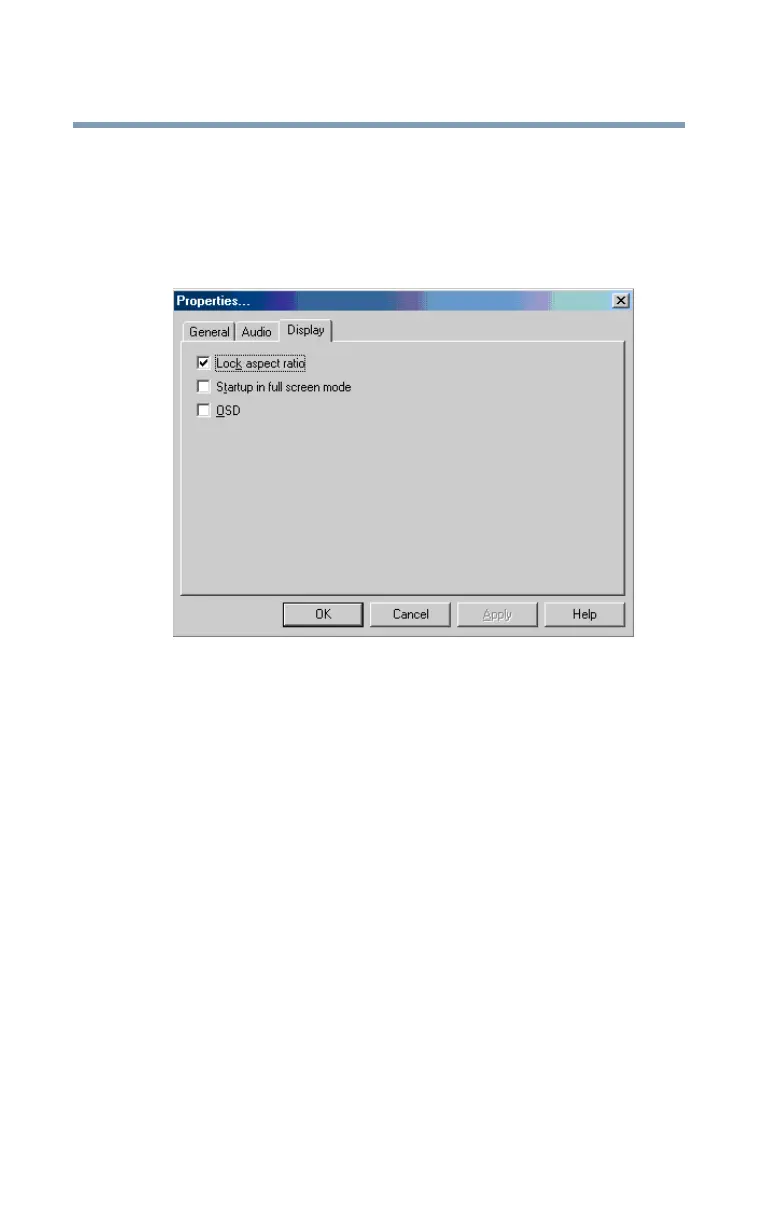
1 In the Properties dialog box, click the Display tab.
The Display tab moves to the front.
Properties dialog box with Display tab selected
2 Select the Lock aspect ratio check box to maintain the
original aspect ratio when the video window is resized.
Otherwise clear the check box.
3 Select the Startup in full screen mode check box to
automatically start WinDVD each time with the video
window maximized and the control panel hidden. Otherwise,
clear the check box.
4 Select the OSD (On Screen Display) check box to enable
OSD. Otherwise, clear the check box.
5 Click OK to save the settings.



 To Next Page
 Loading...










