55
Getting Started
Shutting down the computer
Shutting down the computer
It’s a good idea to turn off your computer when you’re not using it
for a while.
The Shut down command is the normal way to turn off your
computer. You may also use Standby or Hibernation modes to
place the computer in a low energy state which can be quickly
reactivated. For more information on Standby or Hibernation
modes, see “Power down options” on page 107.
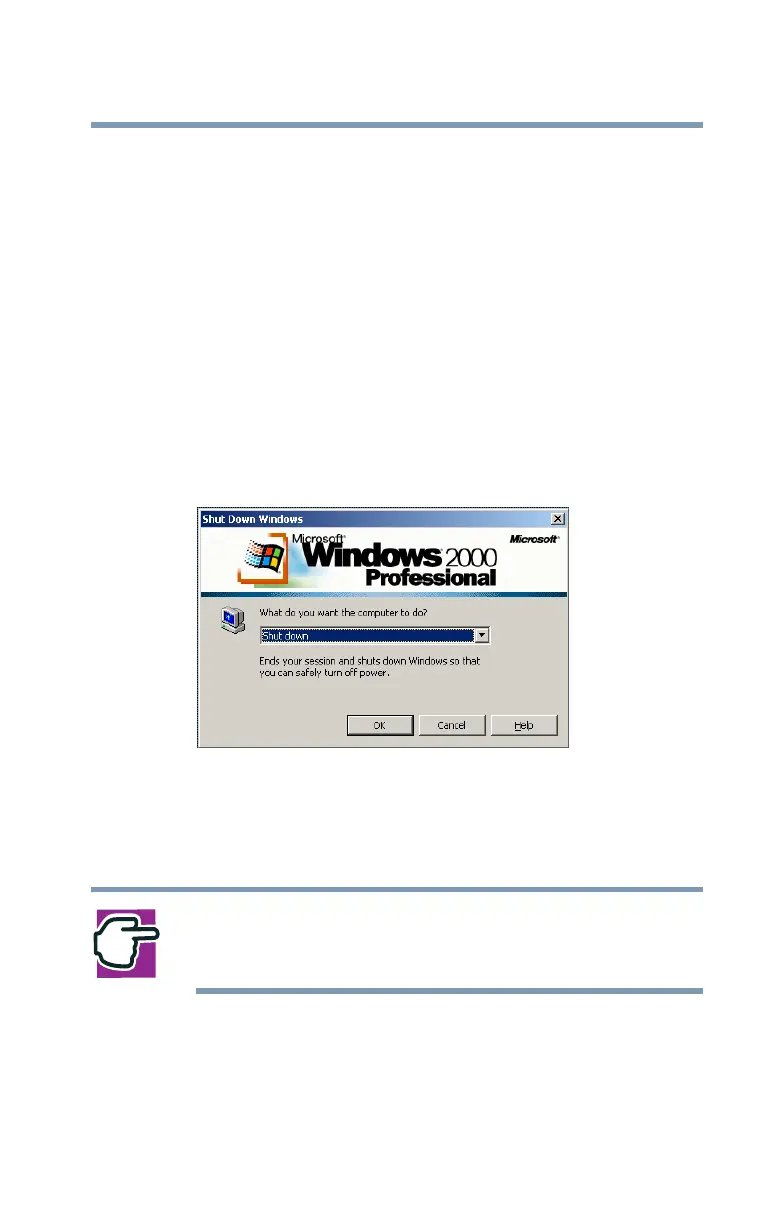
1 Click Start, then click Shut Down.
The Shut Down Windows dialog box appears.
Sample screen - Shut down the computer
2 Select Shut down, then click OK.
The computer turns itself off.
NOTE: For procedures on shutting down a computer with
Windows 98SE installed, see “Turning off the computer” on
page 244.



 To Next Page
 Loading...










