98
Learning the Basics
Using a compact disc drive
To print a file:
1 If your printer is not on, turn it on now.
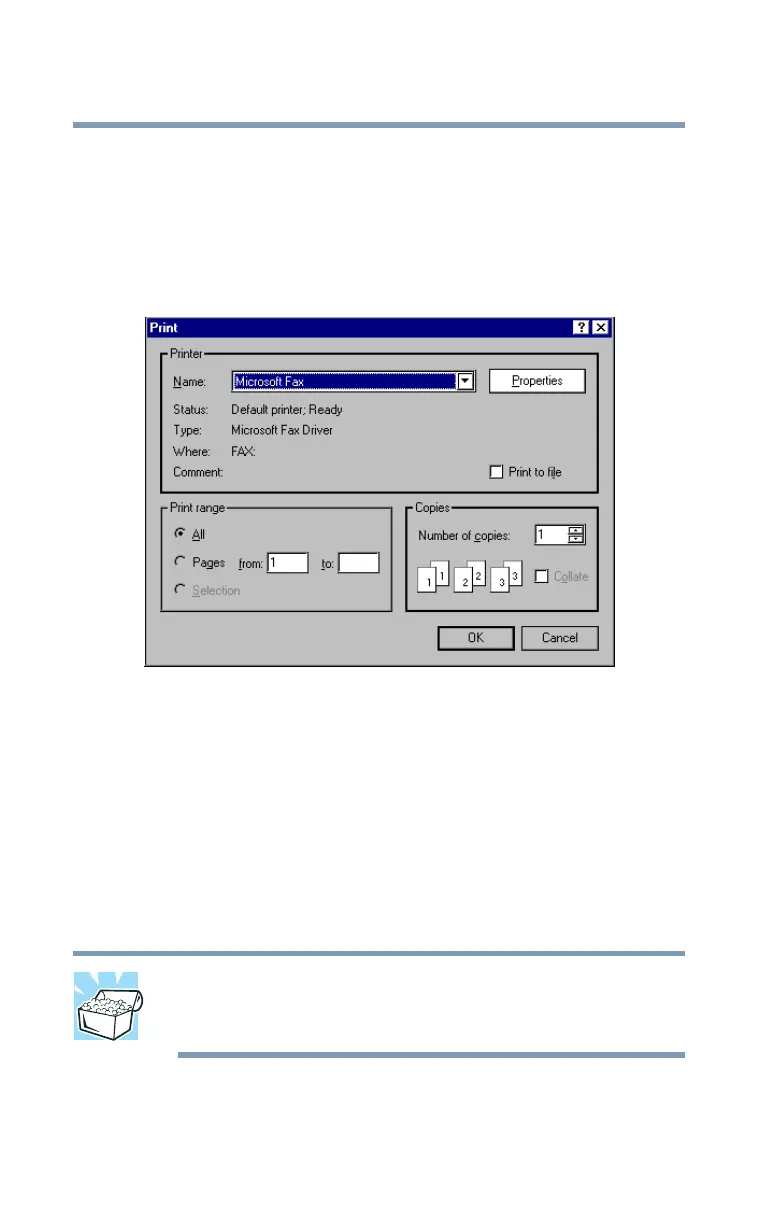
2 In the File menu of the program you are using, click Print.
The program displays a Print dialog box.
A sample Print dialog box
Using a compact disc drive
Your Tecra
®
9000 Series computer may have a CD-ROM, CD-
RW, DVD-ROM, or DVD/CD-RW drive.
If a CD-ROM or DVD-ROM drive is not currently installed in the
Slim SelectBay, follow the instructions in “Using Slim
SelectBay® modules” on page 71.
HINT: Your DVD-ROM drive is designed to play Region 1
(North America) DVD-ROMs. For more information, see
“Setting general properties” on page 153.



 To Next Page
 Loading...










