User’s Manual 2-7
A300/A300D
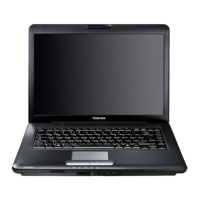
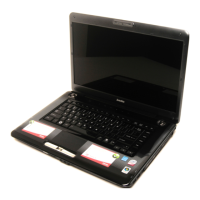
Front with the display open
The following figure shows the front of the computer with the display open.
To open the display, lift it up and position it at a comfortable viewing angle.
Figure 2-6 The front with the display open
Memory module
cover
This cover protects two memory module sockets.
One or two modules are preinstalled.
Display screen The full-color LCD displays high-contrast text and
graphics The computer’s LCD is 15.4" WXGA, 1280
horizontal x 800 vertical pixels or 15.4" WXGA+,
1440 horizontal x 900 vertical pixels. The computer
has a Thin-Film Transistor (TFT) display. Refer to
Appendix B, Display Controller and Modes.
When the computer operates on power through the
AC adaptor, the display screen’s image will be
somewhat brighter than when it operates on battery
power. The lower brightness level is intended to
save battery power.
Power button
Stereo speaker (left)**
Touchpad control buttons
Display screen
Stereo speaker (right)**
Function
buttons*
Fingerprint sensor*
Touchpad
Web camera*
*Provided with some models.
**Stereo speakers appearance depends on the model you purchased.
Web camera LED*
Built-in microphone*
System indicators



 To Next Page
 Loading...