- 112 -
(7) When manual mode is selected in the Format Command for a QR code
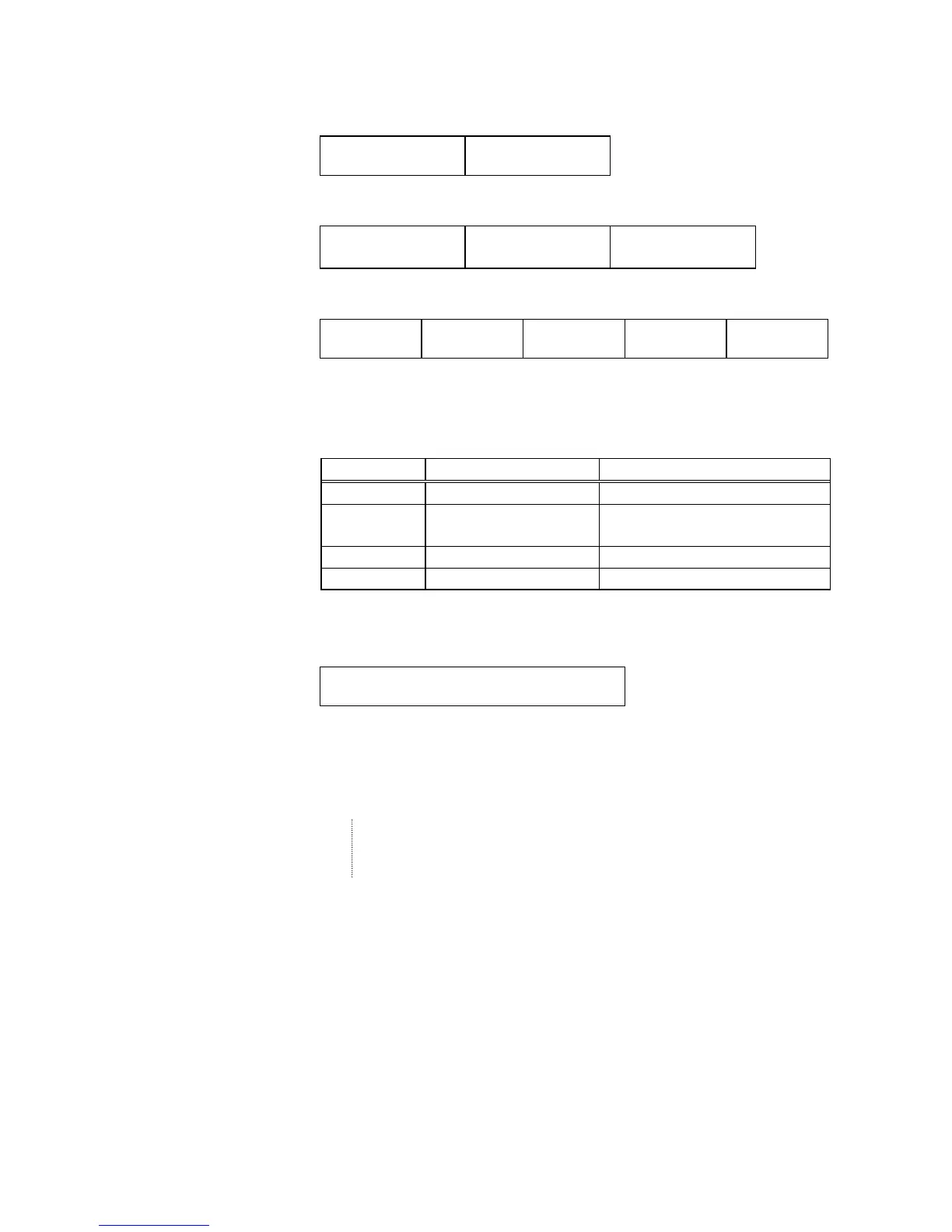
c Numeric mode, alphanumeric and symbol mode, Kanji mode
Mode selection Data to be printed
d Binary mode
Mode selection
No. of data strings
(4 digits)
Data to be printed
e Mixed mode
Data “,” (comma) Data “,” (comma) Data
The QR code can handle all codes including alphanumerics, symbols and Kanji.
Since data compression rate varies according to codes, the code to be used is
designated when the mode is selected.
Mode Code Details
N Numerals 0 to 9
A Alphanumerics, symbols A to Z 0 to 9 space
$ % * + - . / :
B Binary (8-bit) 00H to FFH
K Kanji Shift JIS, JIS hexadecimal
If mixed mode is selected, up to 200 modes can be selected in a QR code.
(8) When the automatic mode is selected in the Format Command for a QR code.
Data to be printed
(9) How to transmit the control code data
NUL (00H) = > @ (3EH, 40H)
SOH (01H) = > A (3EH, 41H)
STX (02H) = > B (3EH, 42H)
GS (1DH) = > ] (3EH, 5DH)
RS (1EH) = > ^ (3EH, 5EH)
US (1FH) = > _ (3EH, 5FH)
* How to transmit the special codes
> (3EH) = > 0 (3EH, 30H)



 To Next Page
 Loading...








