65 / 73
Copyright © 2019 Toshiba Teli Corporation, All Rights Reserved. http://www.toshiba-teli.co.jp/en/
LUTControl
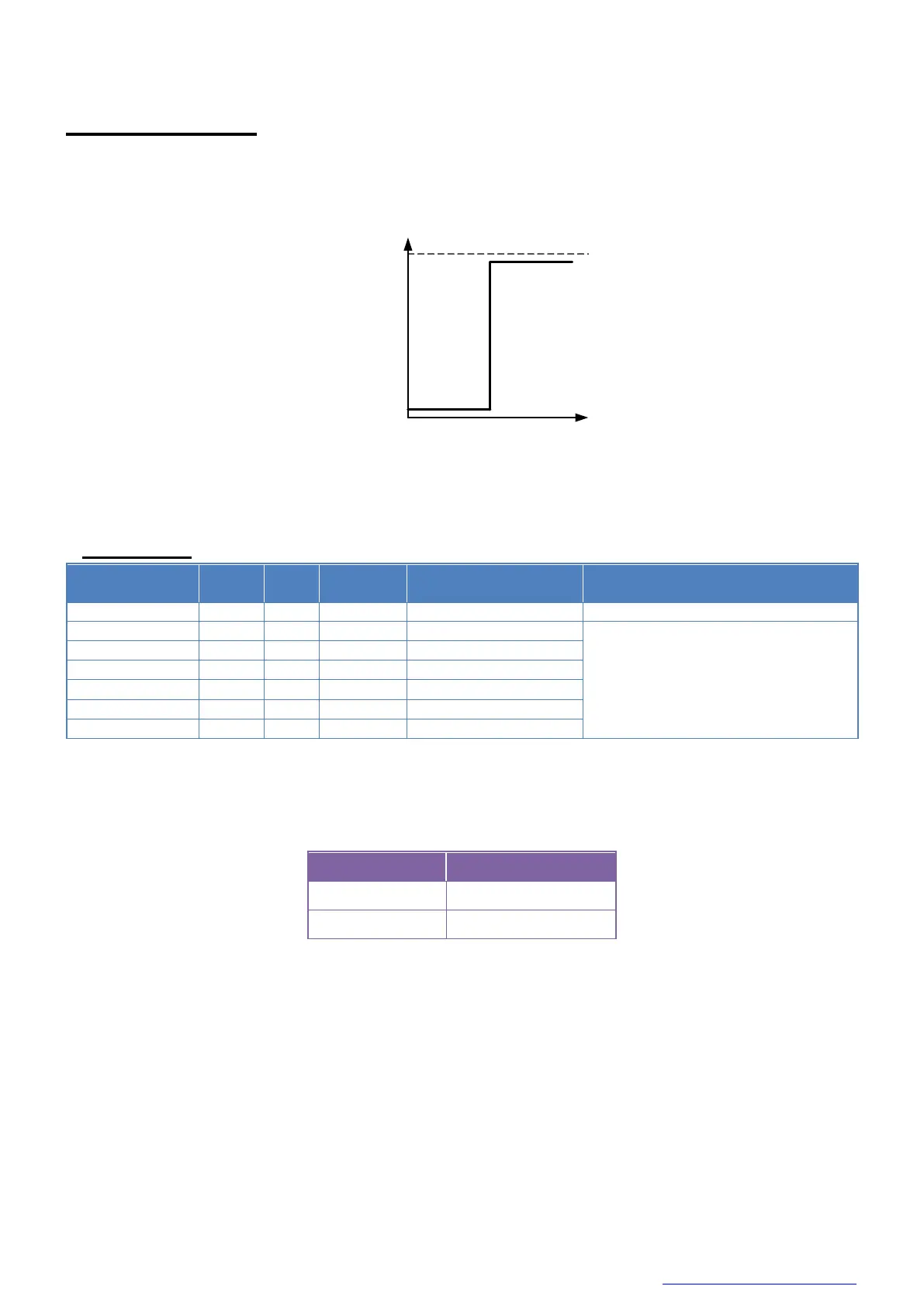
This function allows you to apply the arbitrary LUT(input: 12it, output: 12bit) to the output images.
Example of LUT setting
● Register
IIDC2 address
● Control procedure
■ Sets the activation of LUT function
Set a value for the ‘LUTEnable’ register.
* initial factory setting
■ Sets the output level of LUT
Write to ‘Value[0]’ to ‘Value[4095]’ of ‘LUTValueAll’ register to set the output level of LUT.
The index of ‘Value’ register means the input level of LUT.
Output
luminance
Input
luminance
Binarization



 To Next Page
 Loading...






