Names and functions of parts 11
Product Overview
0.Names and functions of parts
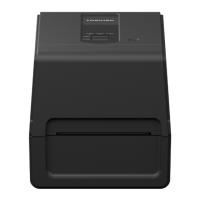
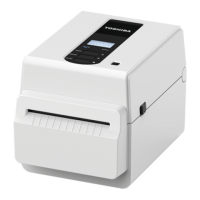
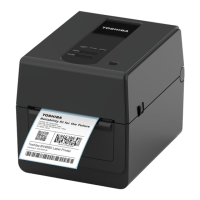
Exterior view
No. Name of part No. Name of part
1POWER button
Turns the printer on and off.
5Top cover
2Top cover open lever
Press this to open the top cover.
6Operation panel
BV410T: There is an LCD, and two lamps that
show the state of the printer and three keys to
operate the printer.
BV420T: There are three lamps that show the
state of the printer and two keys to operate the
printer.
3 Media outlet
The printed media comes from this outlet.
7Media slot
The media slot is used when the media is placed
outside of the printer.
4 Ribbon cover 8 Power and interface panel
P.15 “Power and interface panel”
[
1
]
[
3
]
[
6
]
[
5
]
[
7
]
[
4
]
[
8
]
[
2
]



 To Next Page
 Loading...