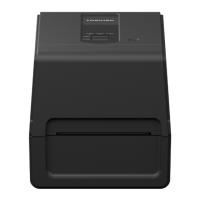
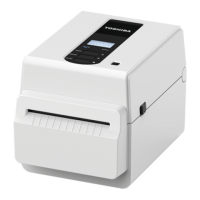
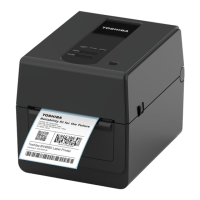
1.Product Overview
Names and functions of parts 15
Product Overview
Power and interface panel
Compatible USB memories
You can save receive buffer contents and operation log information to a USB memory.
For details, refer to “Key Operation Specification”.
You can use various commercially available types of USB memories. However, for details about USB memories that
you can use, contact your service representative.
File systems for USB memories you can use
USB memories whose operation has been confirmed on the printer
You can use a USB memory by inserting it immediately before an operation. It does not need to be inserted in
advance.
No. Name of part
1Power jack
Connect the DC plug of the AC adapter.
2USB port
Connector for connecting a USB cable.
3USB host
Connector for connecting a USB memory.
4LAN port
Connector for connecting a LAN cable.
5 Serial interface port (option)
File system Maximum capacity
FAT (FAT16) 2 GB
FAT32 8 GB
Manufacturer Product name Capacity
SILICON POWER ULTIMA-U02 32 GB, 64 GB
BUFFALO RUF3-KV 16 GB, 32 GB
I/O DATA U3-LC 256 GB, 512 GB, 1 TB
U3-MAX2 16 GB, 32 GB, 64 GB, 128 GB, 256 GB
Kingston DataTraveler 32 GB, 64 GB, 128 GB, 256 GB
[
1
] [
2
] [
3
] [
4
] [
5
]



 To Next Page
 Loading...