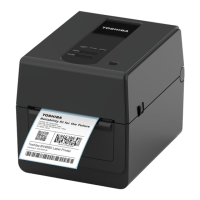
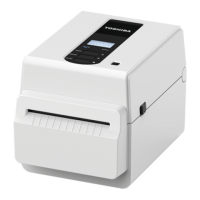
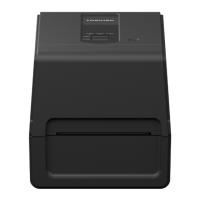
5. Printer Setup 13
Setup procedure of the printer
This section explains the procedures necessary to set up the printer properly.
To make a communication with a host computer, an RS-232C, Ethernet or USB cable is required.
- RS-232C cable: 9 pins (Do not use a null modem cable.)
- Ethernet cable: 10/100 base
- USB cable: V2.0 (Hi-Speed)
The use of a Windows driver will enable printing from Windows applications.
The printer can also be controlled with its own programming commands. For details, contact your Toshiba Tec
representative.
1
Unpack the printer and its accessories from the carton.
2
Place the printer in the location where it is used.
To correctly use and install the printer, see the co-packed “Safety Precautions”.
3
Check that the printer is turned off.
Refer to P.16 “8. Turning the Printer On and Off”.
4
Connect the printer to the host computer or network using an RS-232C, Ethernet or USB cable.
Refer to P.14 “6. Connecting the Cables”.
5
Connect the AC adapter to the printer and plug the power cable into a properly grounded outlet.
Refer to P.15 “7. Connecting the AC Adapter and Power Cable”.
6
Load the media.
Refer to P.18 “10. Loading the Media”.
7
Install the printer driver in the host computer.
For the printer driver, download it from the following site.
https://www.toshibatec.com/download_overseas/printer/printer_driver/
8
Turn the power on.
Refer to P.16 “8. Turning the Printer On and Off”.



 To Next Page
 Loading...