EasyManua.ls Logo

Toshiba D-R400 - INITIAL SETTING

Toshiba D-R400
103 pages
Print Icon
To Next Page IconTo Next Page
To Previous Page IconTo Previous Page
Loading...
24 EN24 EN
INITIAL SETTING
SE-R0265
OPEN/
CLOSE
INPUT
SELECT
HDMI
.@/: ABC
GHI
PQRS TUV
SPACE
SETUP DISPLAY AUDIO
TOP MENU
CLEAR RETURN
MENU/LIST
WXYZ
JKL MNO
DEF
ENTER
SKIP REV
PLAY
REC MODE ZOOMRECREPEAT
PAU S E
TIME SLIP
1.3x / 0.8x PLAY
INSTANT SKIP
STOP
FWD SKIP
TIMER
PROG.
SATELLITE
LINK
ENTER
RETURN
SETUP
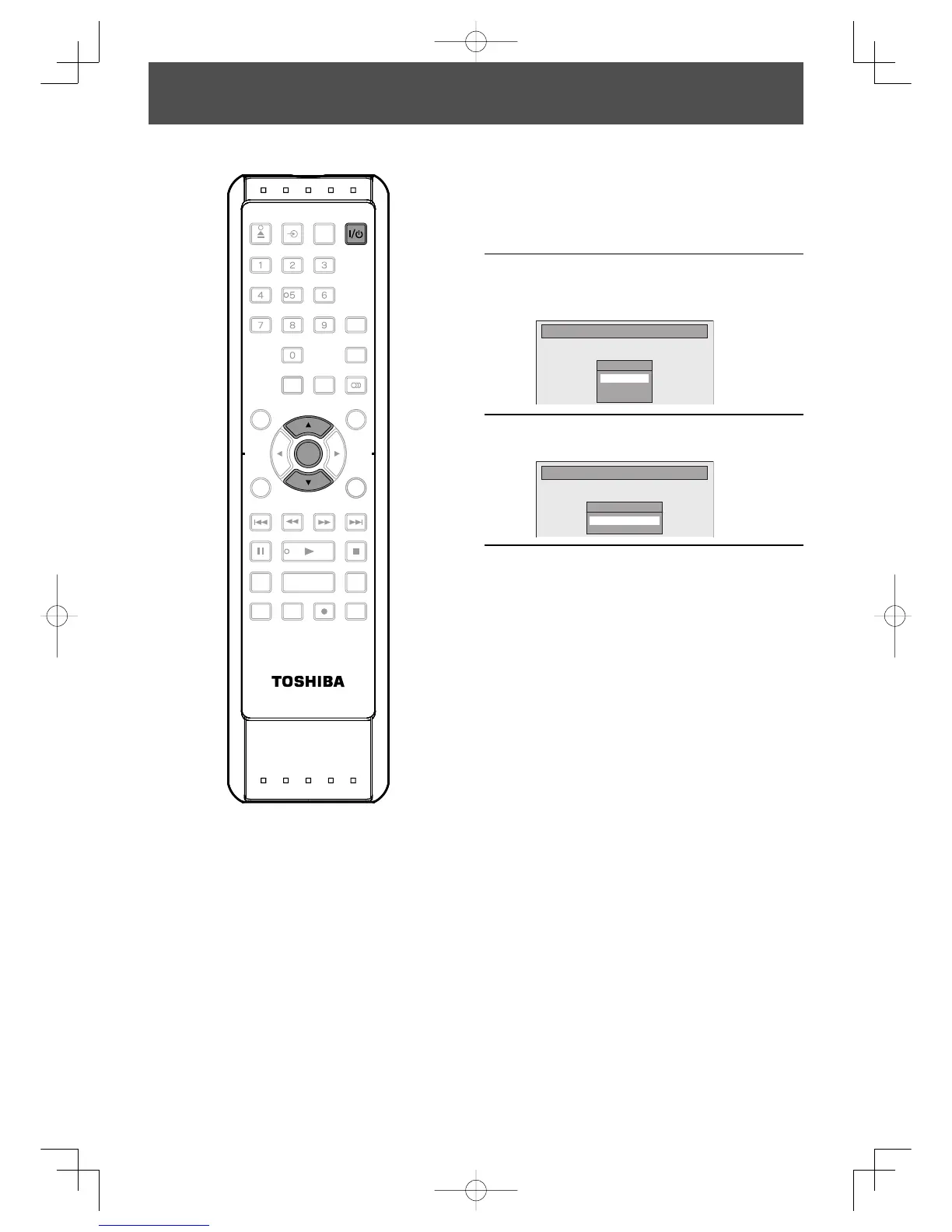
Turn on this unit for the first time, you need to follow these steps.
1
Press [I/
y
y ON/STANDBY].
Before:
Turn the TV on. Select the input to
which the unit is connected.
2
Use [K / L] to select your desired
language, then press [ENTER] to set
language.
Initial Setting
OSD Language
English
Français
Español
3
Press [ENTER] to activate “Clock
Setting”.
Initial Setting
Clock Setting
- - - / - - / - - - - ( - - - )
- - : - - - -
4
Proceed to step 4 in “CLOCK
SETTING” on page 25.
E7E7AUDEN.indb24E7E7AUDEN.indb24 2007/01/2919:03:492007/01/2919:03:49

Table of Contents

Other manuals for Toshiba D-R400

Related product manuals