67EN 67EN
Disc
Management
Recording
Playback
Introduction Connections Basic Setup
Editing Function Setup
Others
You can adjust the black level to control the brightness
of the picture in order to get a better picture.
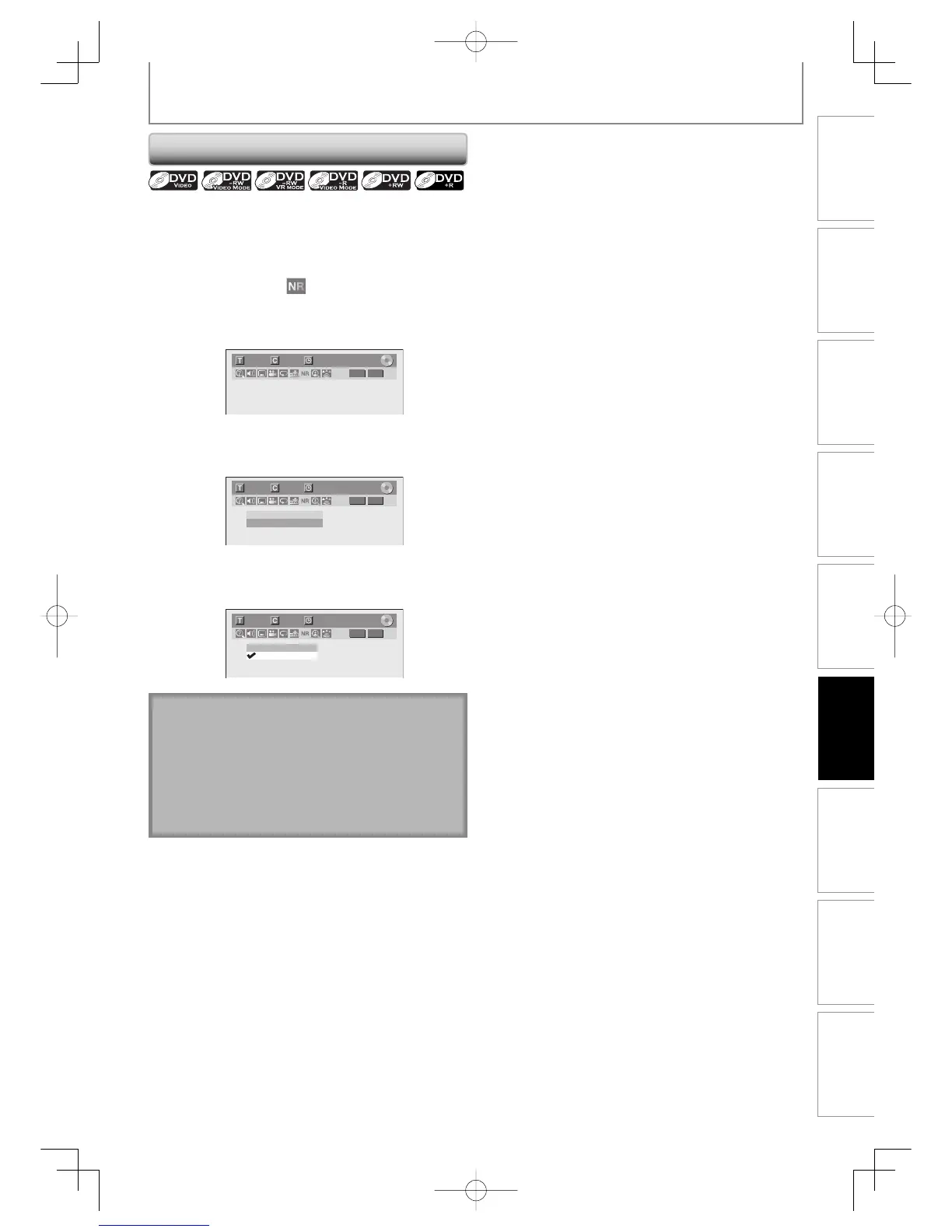
1)During playback, press [DISPLAY].
2) Use [{ / B] to select
. Press [ENTER] within 1
second, or wait for 1 second to display the selection
menu.
e.g.) DVD-video
1/ 5 1/ 5
DVD
0:01:00 / 1:23:45
Video
3) Use [K / L] to select “Black Level”, then press
[ENTER].
1/ 5 1/ 5
DVD
0:01:00 / 1:23:45
Noise Reduction OFF
Black Level OFF
Video
4) Use [K / L] to select “ON”, then press [ENTER].
Your setting will be activated.
1/ 5 1/ 5
DVD
0:01:00 / 1:23:45
ON
OFF
Video
Adjusting Black Level
SELECTING THE FORMAT OF AUDIO AND VIDEO
Note
• You can adjust black level setting only during
playback.
• The setting will be kept even when the unit is turned
off.
• The default setting is “ON”.
• You cannot adjust the black level for the images
output through the HDMI.
E7E7AUDEN.indb67E7E7AUDEN.indb67 2007/01/2919:04:202007/01/2919:04:20



 To Next Page
 Loading...











