71EN 71EN
Disc
Management
Recording
PlaybackIntroduction Connections Basic Setup
Editing
Function Setup
Others
Adding Titles to a Playlist
Playlist
SE-R0265
OPEN/
CLOSE
INPUT
SELECT
HDMI
.@/: ABC
GHI
PQRS TUV
SPACE
SETUP DISPLAY AUDIO
TOP MENU
CLEAR RETURN
MENU/LIST
WXYZ
JKL MNO
DEF
ENTER
SKIP REV
PLAY
REC MODE ZOOMRECREPEAT
PAU S E
TIME SLIP
1.3x / 0.8x PLAY
INSTANT SKIP
STOP
FWD SKIP
TIMER
PROG.
SATELLITE
LINK
ENTER
STOP
RETURN
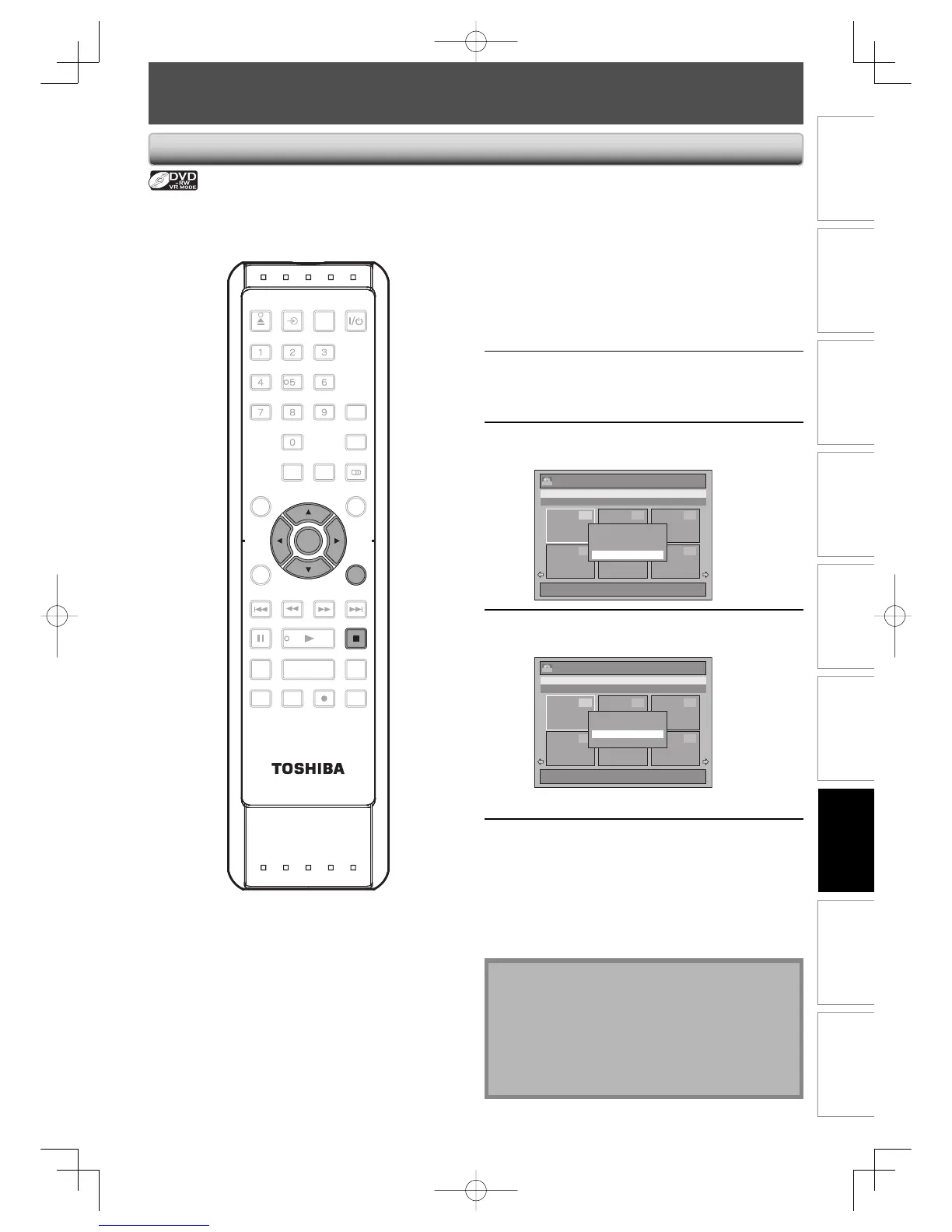
For VR mode DVD-RW, you can create the playlist as you wish.
You can add up to 99 titles to a playlist (as long as the total number of the playlist does not exceed 999
chapters).
1
Follow the step 1 in “DELETING
TITLES” on page 70 to display the
original.
2
Use [K / L/ s / B] to select the
desired title, then press [ENTER].
3
Use [K / L] to select “Add To
Playlist”, then press [ENTER].
Title List
1 / 2
JAN/ 1/07 12:00AM L1 LP
12:00AM (2:00:00) JAN/ 1/07 L1 LP
4 5 6
1 32
ORG
Play From Start
Edit
Title Delete
Add To Playlist
4
Use [K / L] to select “Yes”, then press
[ENTER].
Title List
1 / 2
JAN/ 1/07 12:00AM L1 LP
12:00AM (2:00:00) JAN/ 1/07 L1 LP
4 5 6
1 32
ORG
Create a Playlist ?
Yes
No
The title is added to playlist.
5
Press [RETURN] or [STOP C] to exit.
Writing on the disc starts.
It may take awhile to write the data on a disc.
Note
• To delete a title from the playlist, refer to “DELETING
TITLES” on page 70.
• To delete all titles in the playlist, refer to “Erasing All
Playlist” on page 72.
• When a playlist contains 99 titles or more, or 999
chapters or more, “Add to Playlist” cannot be
selected.
CREATING/DELETING PLAYLIST
E7E7AUDEN.indb71E7E7AUDEN.indb71 2007/01/2919:04:222007/01/2919:04:22



 To Next Page
 Loading...











