English - 47 -
English
DVD Control Panel Buttons
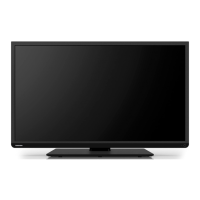
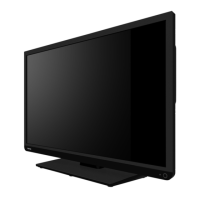
A. Disc loader
B.
/
Plays/pauses the disc. When DVD menu (root menu) is active, this button functions as
“button select” (selects the highlighted item in menu) if this is not prohibited by the disc.
C. /
Stops playing disc / Ejects the disc.
Note:
• While playing a fi le, you should press
/ button three times to eject.
Overview of the Remote Control
Standby/ On mode
Subtitle
Numeric Buttons
To alter the volume
To mute the sound
Operation LED
MENU On/Off
Angle
Navigation Buttons
Return to Root menu
Quick Settings
Exit menu
Setup menu
AV / Source
OK / Confirm
Jump
Info
Switch to TV or DVD mode
Zoom
Repeat
Title Menu
Root Menu
Pause
Skip Next / Skip Previous
Play
Stop
Rapid Advance
Rapid Reverse
Note: Buttons that are not indicated
on the remote control illustration are
not functional in DVD mode.
Eject
Title Menu
Audio language
of the disc
Root Menu
(if available)
A01_32DL833_DVD_MB60_[GB]_(01-DVD)_(IB_INTERNET)_DVB-TC_(1911UK).indd 47A01_32DL833_DVD_MB60_[GB]_(01-DVD)_(IB_INTERNET)_DVB-TC_(1911UK).indd 47 10.10.2011 18:48:1910.10.2011 18:48:19



 To Next Page
 Loading...