4 SCAN FUNCTIONS
Scan to E-Mail 95
Scan to E-Mail
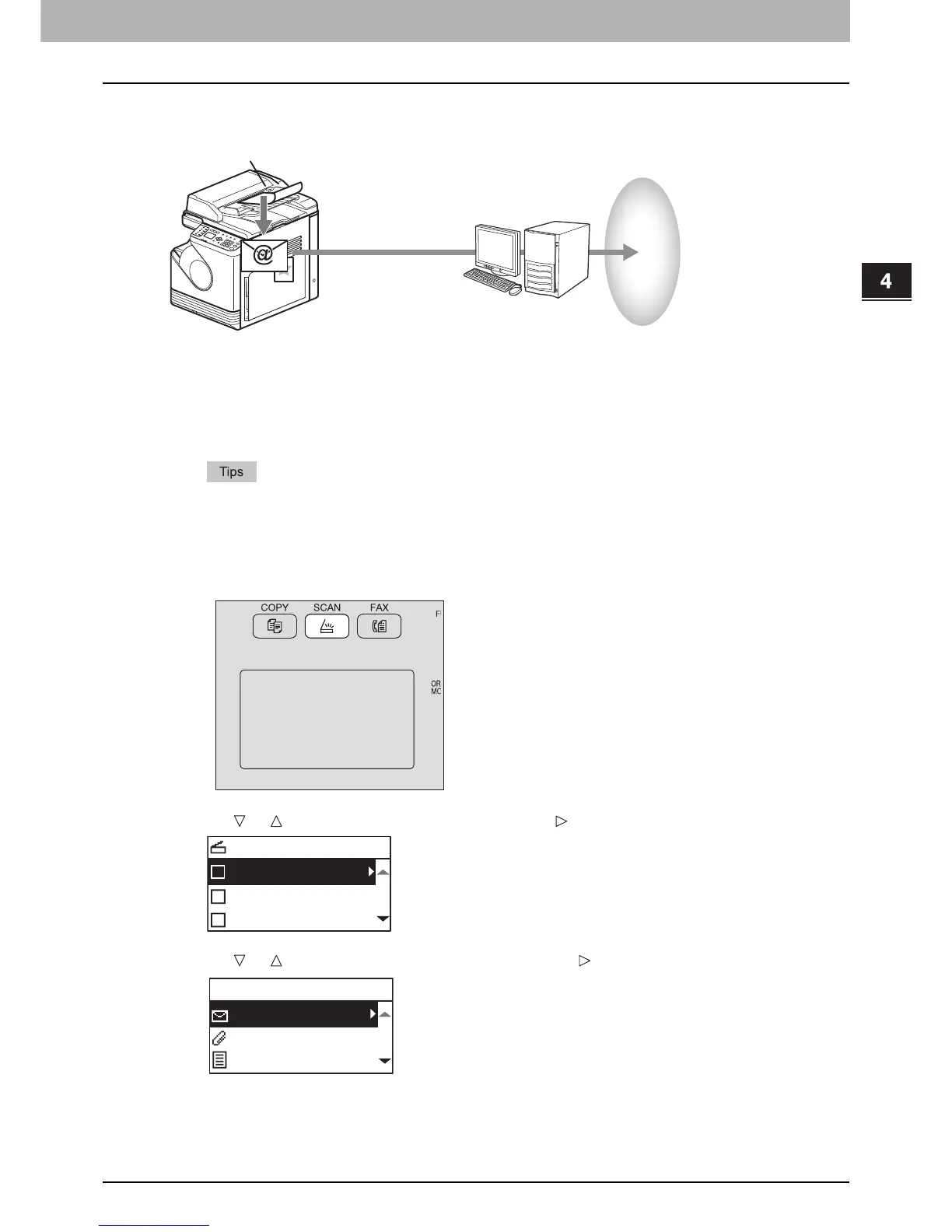
Scan to E-mail allows you to send your scans to specified e-mail addresses. The scanned image is converted to a PDF,
TIFF, or JPEG file and sent as an e-mail attachment.
Procedure for Scan to E-Mail
1
Place the original(s).
y For placing the originals, see the pages below.
P.29 “Copying originals”
y A4, A3, A5-R, B5, B5-R, B4, A4-R and FOLIO (LT, LD, LT-R, LG, ST-R and COMP) sized originals can be
scanned.
2
Press [SCAN].
3
Press or to select “E-MAIL”, and then press .
4
Press or to select “ADDRESS”, and then press .



 To Next Page
 Loading...




