98
5.ADVANCED FUNCTIONS
5
5. CHAIN DIAL COMMUNICATION
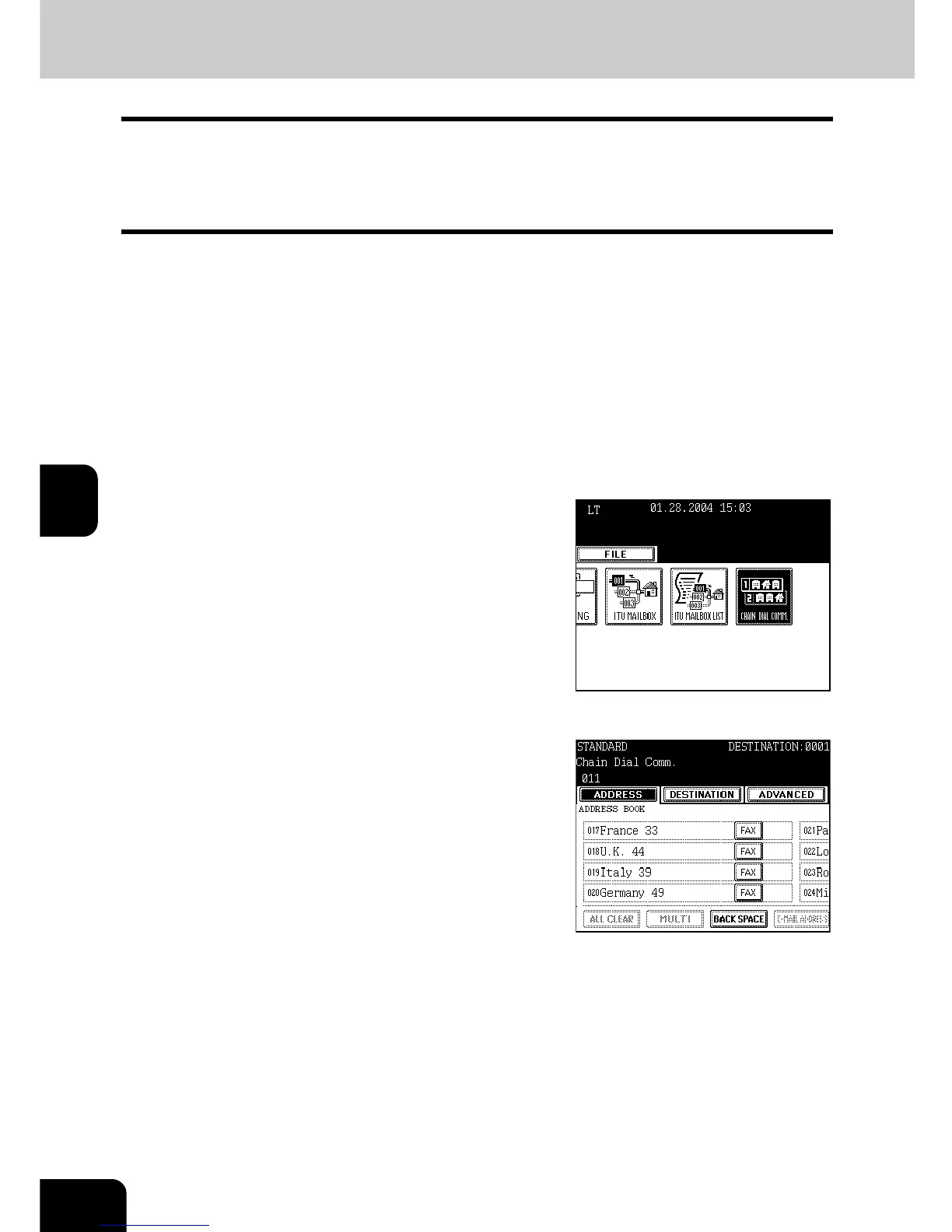
This function allows you to dial a remote Fax that may require variations in number sequences. For
example, long distance carriers and specialized access lines. You can combine sets of numbers (address
book entry and direct entry) by first pressing the [CHAIN DIAL COMM.] button.
A maximum of 128 digits can be registered for Chain Dialing.
1
Place the original(s).
- "Setting Originals" Page 29
2
Press the [FAX] button on the control
panel.
3
Press the [OPTION] button to set the
transmission conditions.
- "4.SETTING THE TRANSMISSION CONDITIONS" Page 32
4
Press the [ADVANCED] button to enter the
advanced menu, then the [CHAIN DIAL
COMM.] button.
5
Specify the number to be dialed first by
using either the address book or the
digital keys.
- Ex: Key in the dial out number (011 if calling from the USA).
6
Specify the number to be dialed next by
the address book or by using the digital
keys.



 To Next Page
 Loading...




