114
6.PRINTING LISTS AND REPORTS
1.MANUALLY PRINTING LISTS & REPORTS (Cont.)
6
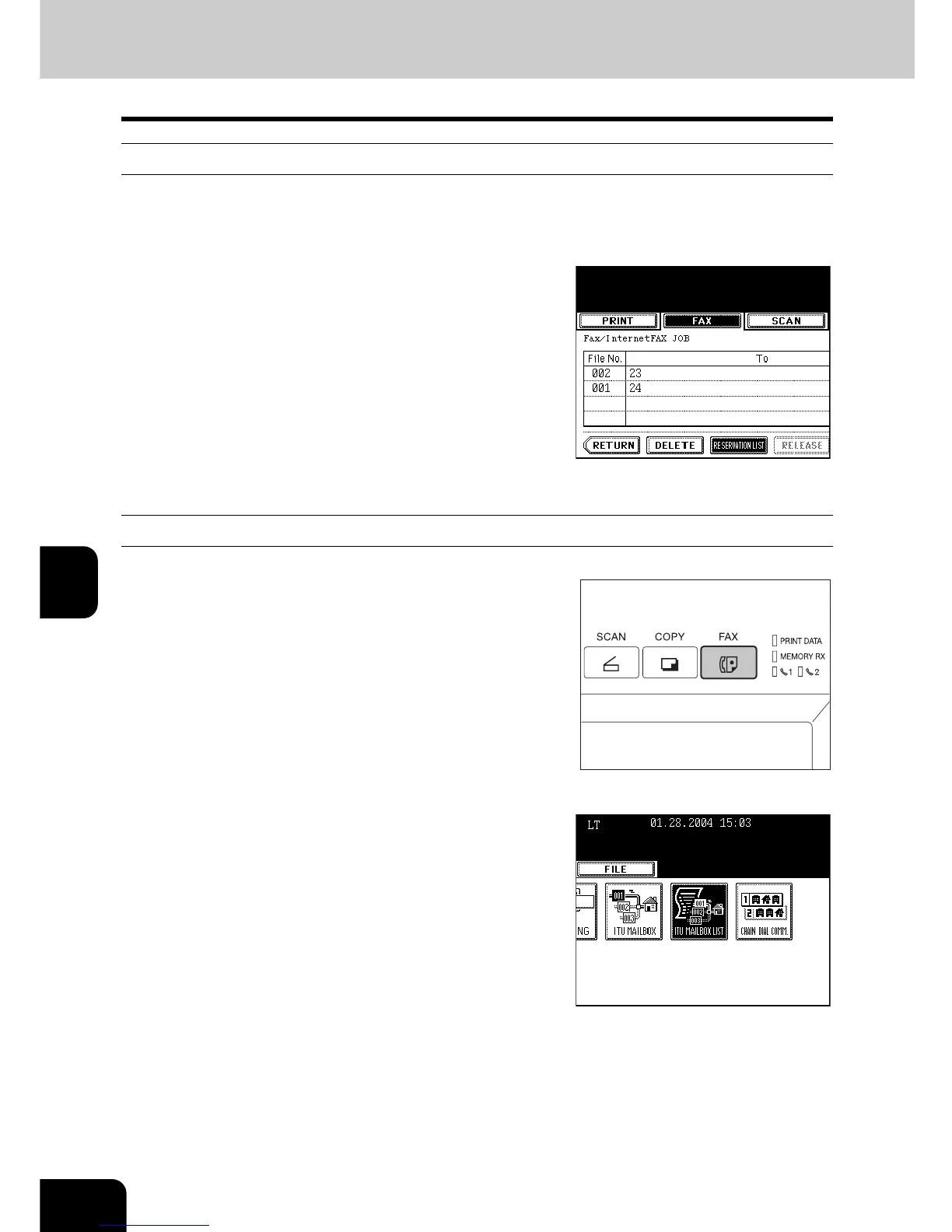
Printing Reservation List
1
Press the [JOB STATUS] button on the
control panel.
2
Press the [FAX] button, and then press
the [RESERVATION LIST] button.
- The reservation list is output.
Printing ITU MAILBOX List
1
Press the [FAX] button on the control
panel.
2
Press the [ADVANCED] button to enter the
advanced menu, and then press the [ITU
MAILBOX LIST] button.
- The ITU mailbox list is output.



 To Next Page
 Loading...




