82
5.ADVANCED FUNCTIONS
3.POLLING COMMUNICATION (Cont.)
5
Polling Reception
There are 2 types of Polling Reception as follows.
- Individual Polling Reception: Receiving the original from one sender.
- Multi-polling Reception: Receiving the original from 2 or more senders in a single operation. Direct
Dialing, Address Dialing and Group Entry can be combined.
1
Press the [FAX] button on the control
panel.
2
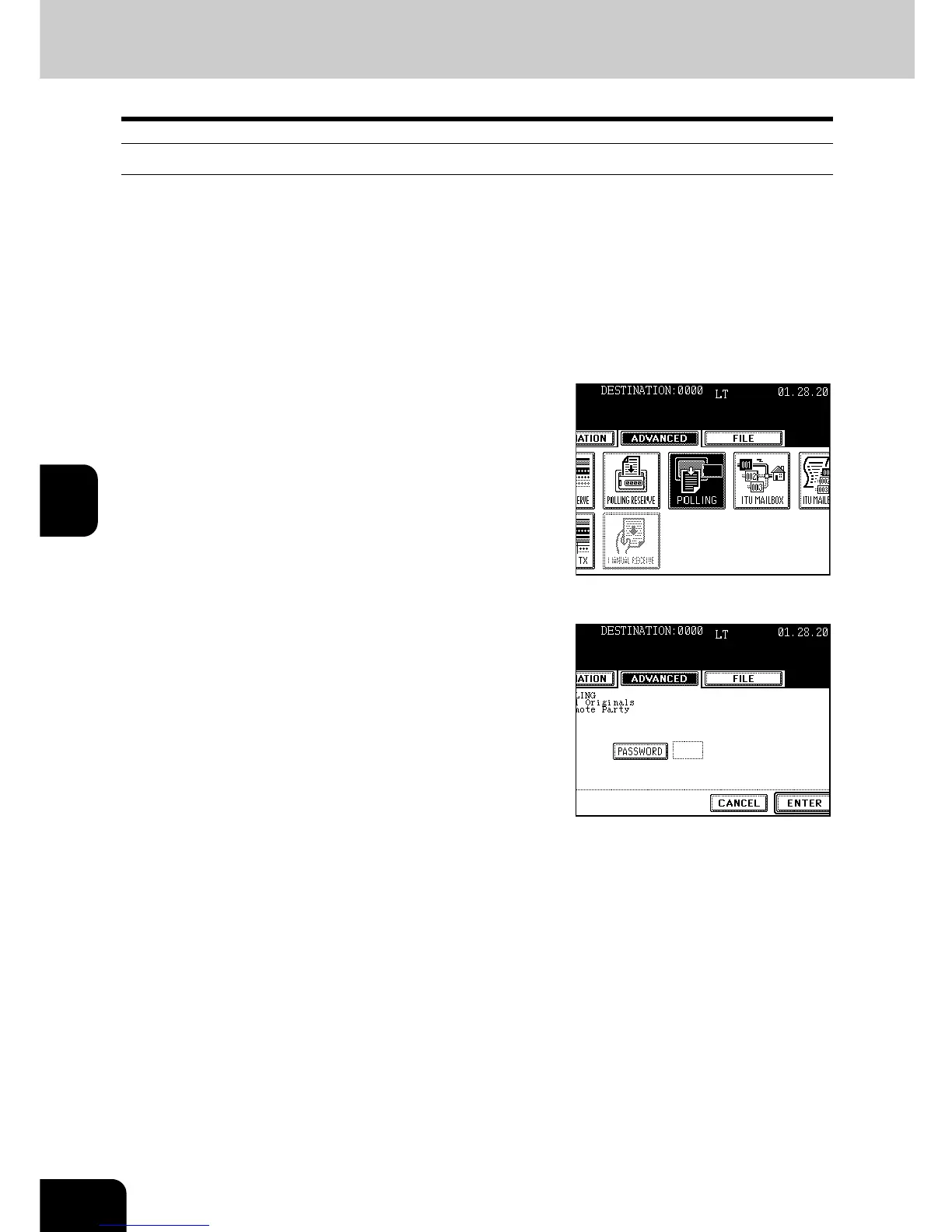
Press the [ADVANCED] button to enter the
advanced menu, and then press the
[POLLING] button.
3
Key in the password if the password (4
digits) check is used in the polled original
from the remote Fax, and then press the
[ENTER] button.
4
Press the [ENTER] button.
5
Specify the remote Fax.
- Individual polling RX:
Specifying by digital keys "Direct Entry with Digital Keys" Page
39
Specifying by address "Address Book Entry" Page 40
- Multi-polling RX:
Specifying by group "Group Entry" Page 41
Specifying by multi-address transmission "Multi-address
Transmission" Page 47
6
Press the [START] button.



 To Next Page
 Loading...




