91
5
10
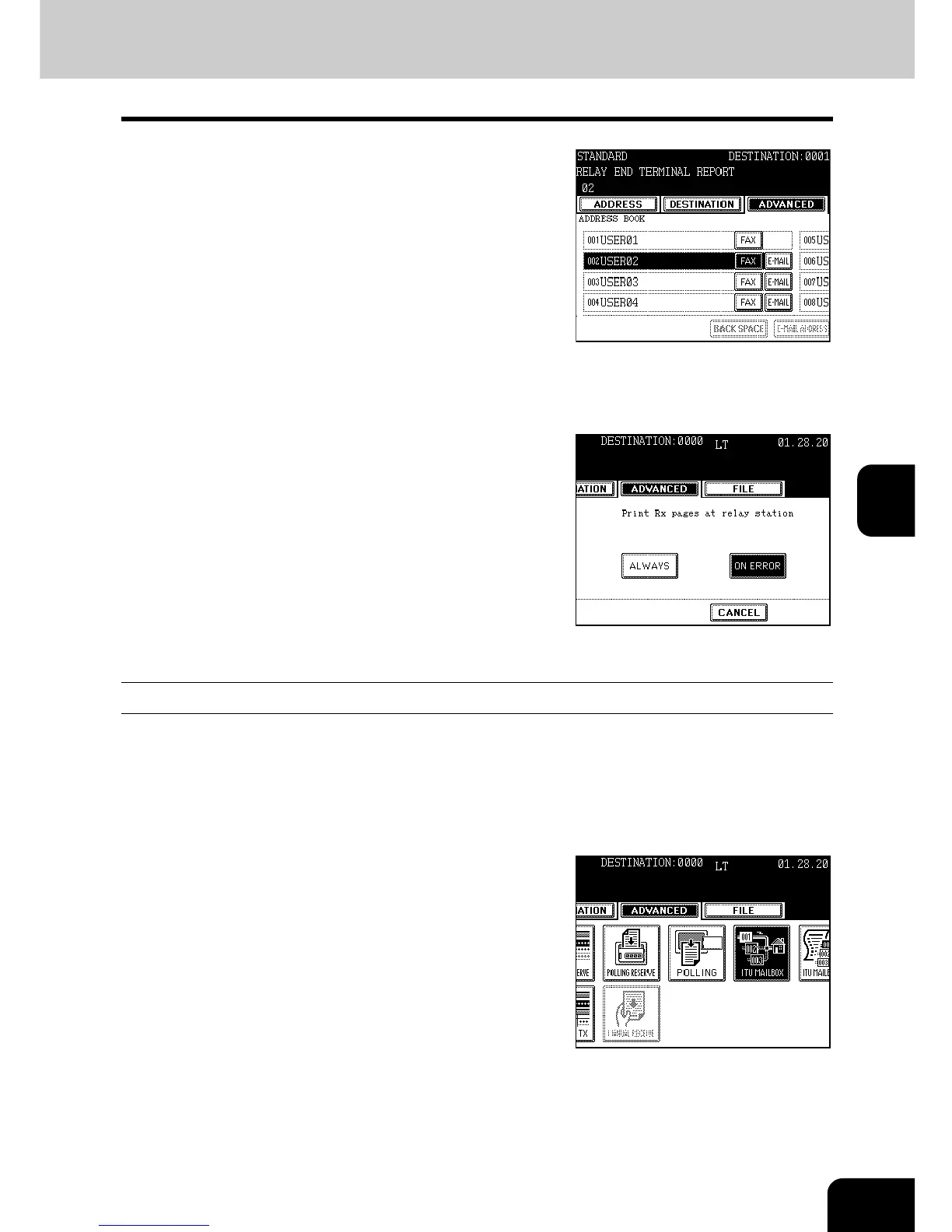
Specify the remote Fax to receive the
Relay Destination Transmission Report
with the address or by direct dialing (the
digital keys).
- Only one remote Fax can receive the transmission result.
- To change it, delete it and then specify the new destination.
11
Make sure that the registration details are
correct, and then press the [ENTER]
button.
- The box is opened.
12
Press the [ALWAYS] or [ON ERROR]
button.
- ALWAYS: The report is output after every communication is
completed.
- ON ERROR: The report is output when a communications error
occurs.
Printing a Document from a Mailbox (Local Hub)
This section describes how to print a document stored in the mailbox at the local hub.
1
Press the [FAX] button on the control
panel.
2
Press the [ADVANCED] button to enter the
advanced menu, and then the [ITU
MAILBOX] button.



 To Next Page
 Loading...




