Making Copies 59
Stopping/Resuming copying
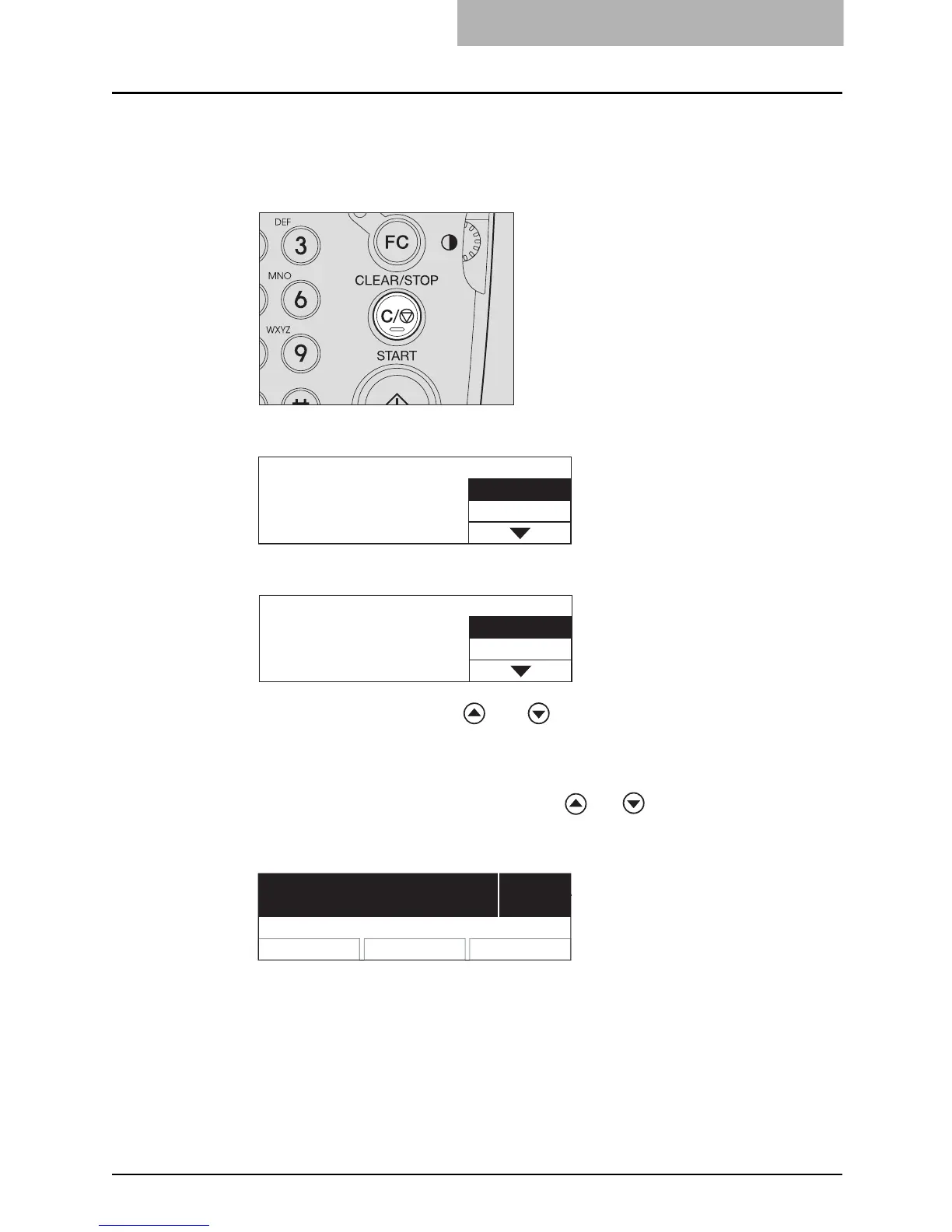
Press the [CLEAR/STOP] button to stop scanning or copying.
1
Press the [CLEAR/STOP] button during scanning or copying.
Scanning or copying stops, and the LCD screen shows as follows:
Or
Press the selecting button C or and buttons and select “YES” to end the copy
job. Then press the [START] or [ENTER] button.
2
Press the selecting button C to select “NO” to resume the copy
job. This can also be done with the or button. Then press
the [START] or [ENTER] button.
The LCD screen shows as follows:
3
Press the [START] button.
Memory clear?
YES
NO
Cancel job?
YES
NO
Press START to resume
3
100% NONSORT
Z



 To Next Page
 Loading...










