7 TROUBLESHOOTING
210 Paper Misfeed
5
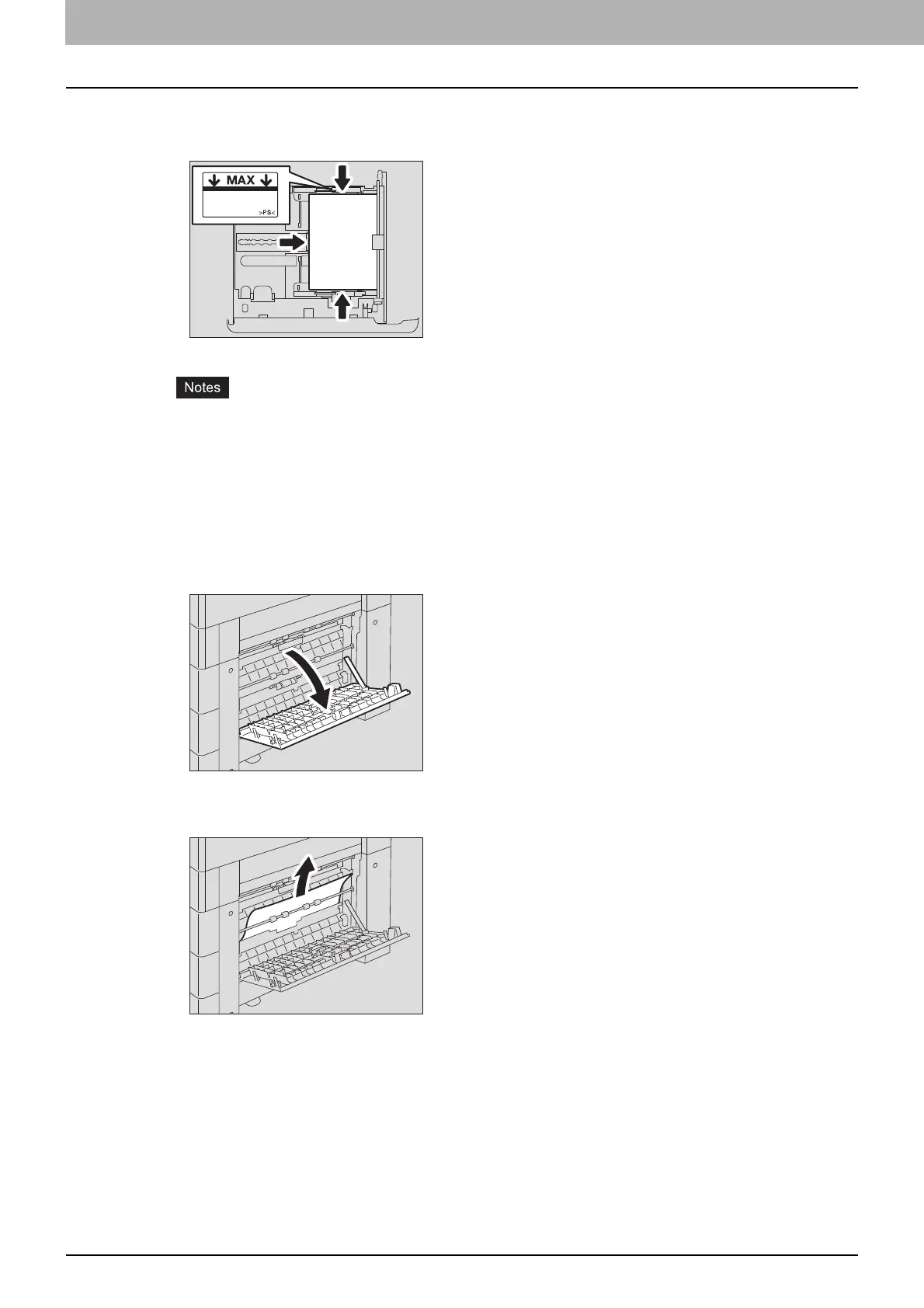
Check that the guide width is correct, there is no folded/curled paper or overloading,
and then close the drawer.
Be sure that the height of the stacked paper does not exceed the line indicated inside of the side
guides.
Do not allow any gap between the paper and the end guide in the drawer.
6
Close the paper feed cover of the unit and the side cover.
Paper misfeeds within the Paper Feed Pedestal
1
Open the paper feed cover of the Paper Feed Pedestal.
2
Release the misfed paper.
3
Close the paper feed cover of the Paper Feed Pedestal.



 To Next Page
 Loading...





