Installing Network Fax Software 25
Installing from TopAccess
If the system administrator has uploaded the software to this equipment, you can use TopAc-
cess to install the software on your workstation.
y When using Windows Server 2003 that the Service Pack is installed, the installation from
TopAccess cannot be performed. In that case, please install the software in the other
method.
y For instructions on how to upload the software in the equipment, please refer to the TopAc-
cess Guide.
Installing client software from TopAccess
1
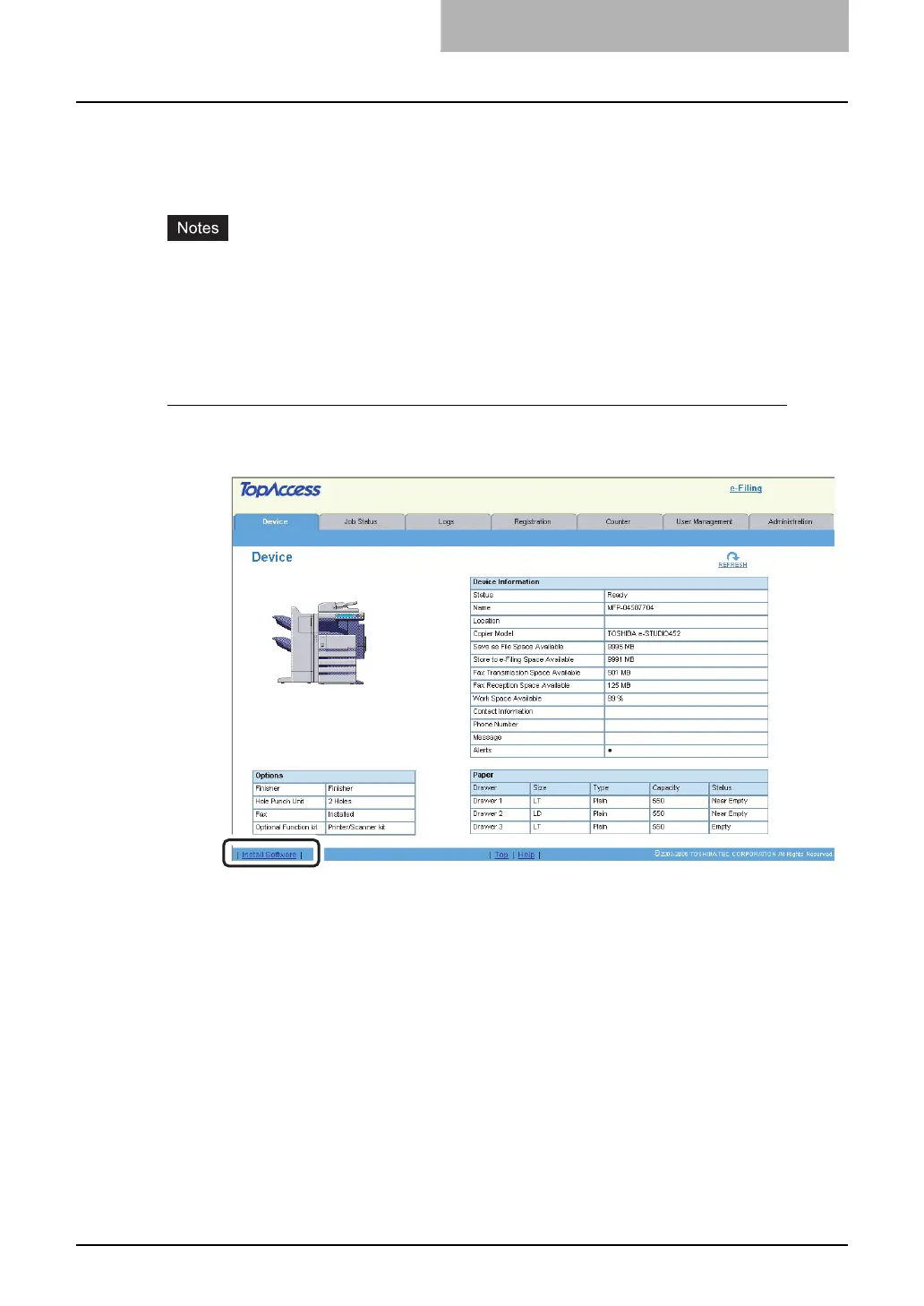
In TopAccess, click the Install Software link at the bottom of the
screen.
y The Install Client Software page opens.



 To Next Page
 Loading...



