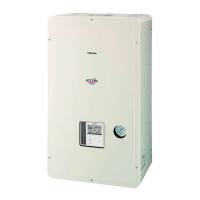
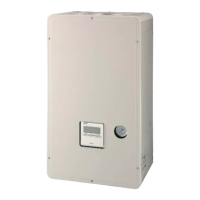
Toshiba XXXXXXX(<SanSerif1>X/X)
–22–
Hydro Unit
Installation Manual
Electrical connection to hydro unit
• Remove the front cover and the electrical box cover
from the Hydro Unit.
• The Hydro Unit power cable must be sized in
accordance with refer to “Electrical supply/cable
specifications”.
• Connect the Hydro Unit power cable to Terminal 02
as shown below.
• Ensure the Hydro Unit power cable is secured using
the cable clamp fitted in the electrical box.
• Ensure the Hydro Unit power cable connection
terminals are tight.
Outdoor unit to hydro unit electrical
connection
▼ Fig. 7-22
• Ensure electrical circuits are isolated before
commencing work.
• The Outdoor Unit to Hydro Unit interconnecting
cable must be sized in accordance with refer to
“Electrical supply/cable specifications”.
• Connect the Outdoor Unit to Hydro Unit
interconnecting cable as shown in the diagram
above.
• Ensure the Outdoor Unit to Hydro Unit
interconnecting cable is secured using the cable
clamp fitted in the electrical box.
• Ensure the Outdoor Unit to Hydro Unit
interconnecting cable connection terminals are tight.



 To Next Page
 Loading...