- 92 -
Basic
Photography
Playing Back/
Erasing Images
Other
Applications
Additional
Information
Getting Ready
Removing the Protection
Carry out steps 1 to 3 in “Protecting An Image”.
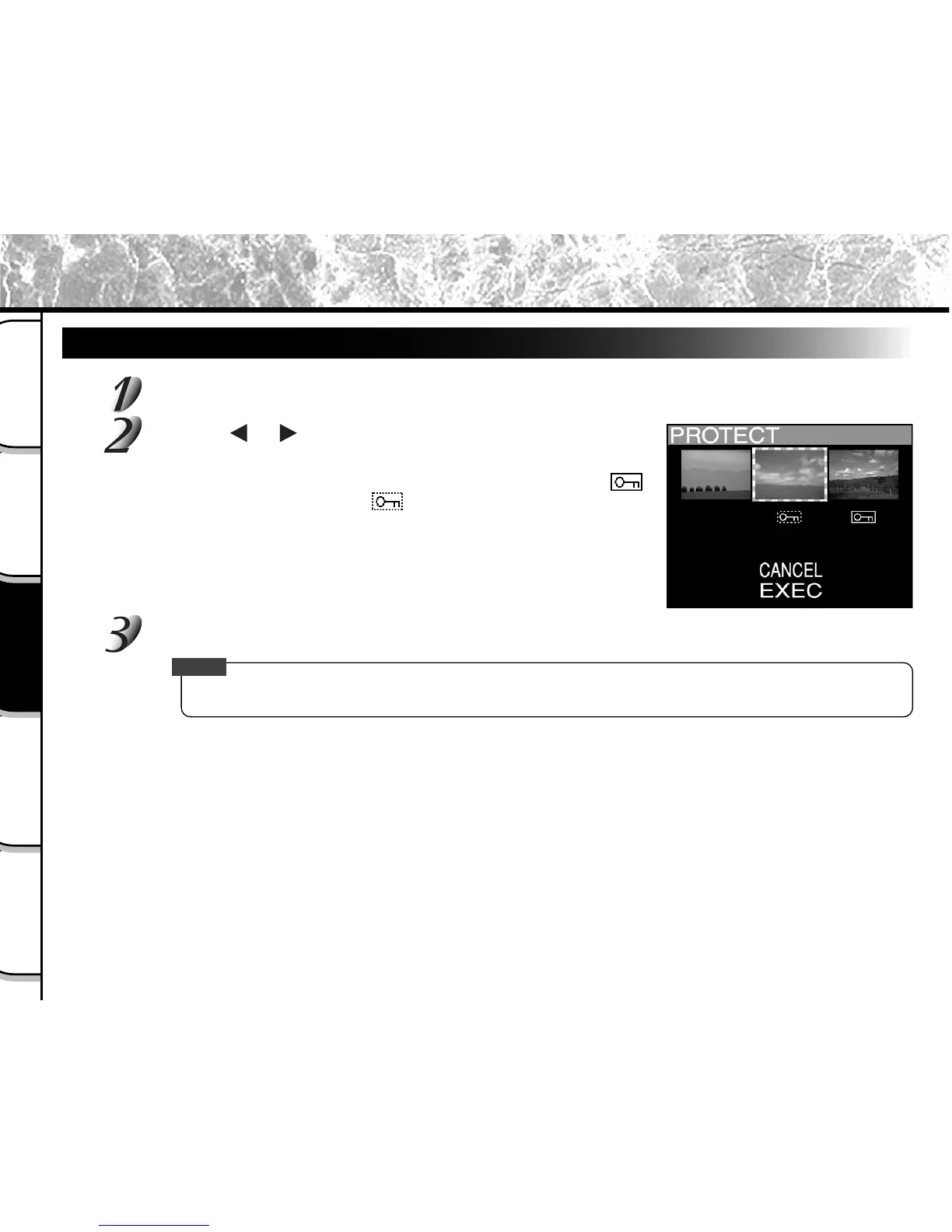
Use the or buttons to select the image to
unprotect, and press the ENTER button.
This fixes the images whose protection is to be removed, and [ ]
under the image changes to [ ].
To unprotect an image, press the ENTER button again.
To remove the protection from two or more images, repeat this
procedure for the necessary number of images.
Carry out step 5 in “Protecting An Image”.
Memo
• To protect an image again, write-protection is simultaneously carried out if set at step 2.
Protecting Images (continued)



 To Next Page
 Loading...









