EasyManua.ls Logo

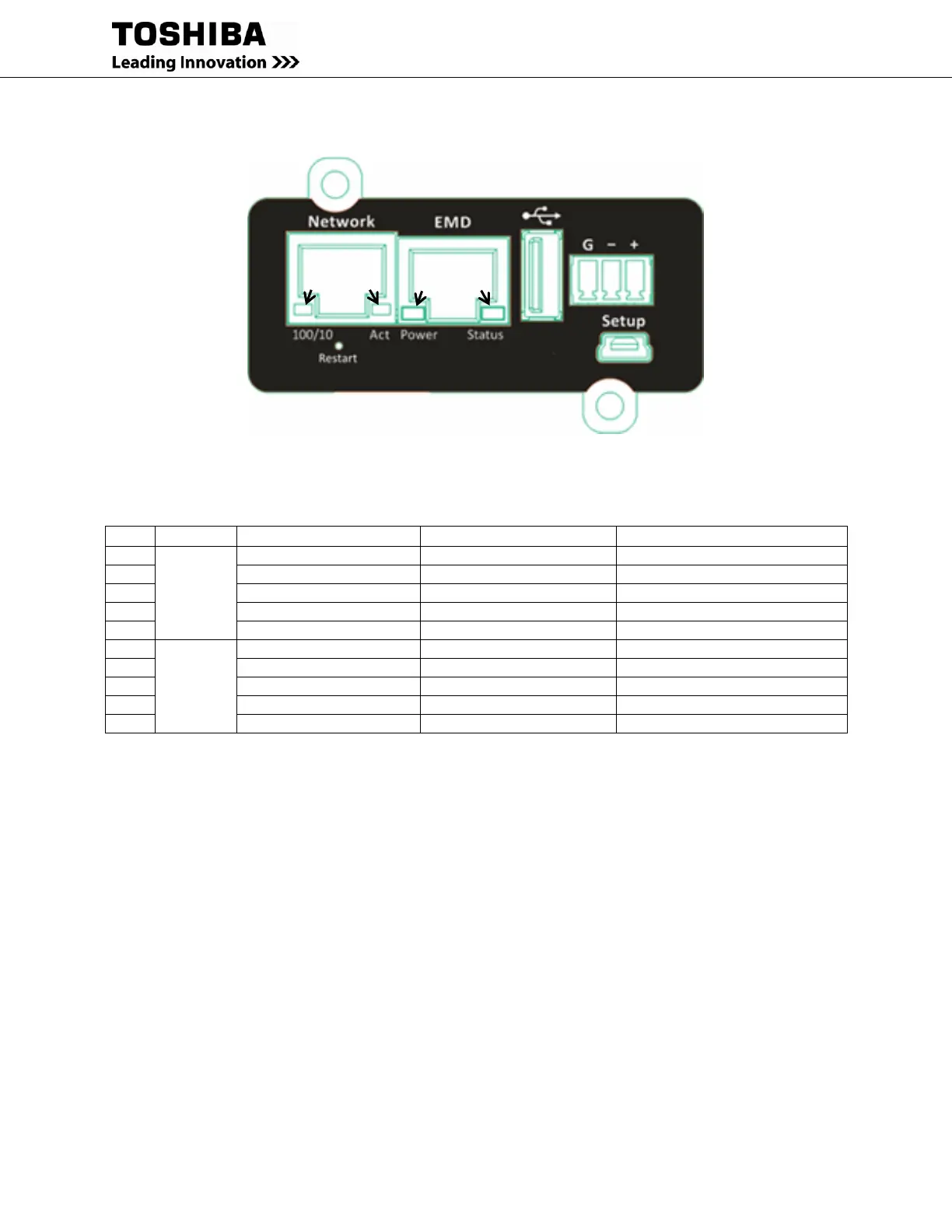
Toshiba RemotEye 4 - Figure 2-3 Remoteye LED Locations; Table 2-2 Remoteye 4 LED Indications

Toshiba RemotEye 4
262 pages
Print Icon
To Next Page IconTo Next Page
To Previous Page IconTo Previous Page
Loading...
RemotEye 4 User Manual 90988-007 19
Figure 2-3 RemotEye LED Locations
Table 2-2 RemotEye 4 LED Indications
No.
Port
Green LED
Yellow LED
Function
1
Network
ON
●○●○● Flashing(1sec)
Ethernet 100 Traffic
2
OFF
●○●○● Flashing(1sec)
Ethernet 10 Traffic
3
ON
ON
100 Base-TX Ready
4
OFF
ON
10 Base-T Ready
5
OFF
OFF
Ethernet Disconnection
6
Status/
EMD
ON
OFF
Power On (Normal Status)
7
ON
●○●○● Flashing(1~3sec)
RS232 Port Activity (UPS site)
8
Two LED cross Flashing
Auto Diagnostic Mode
9
ON
ON
Auto Diagnostic Failed
10
OFF
OFF
Hardware Error
Green
LED
Yellow
LED
Green
LED
Yellow
LED

Table of Contents

Other manuals for Toshiba RemotEye 4

Related product manuals