24 RemotEye 4 User Manual – 90988-007
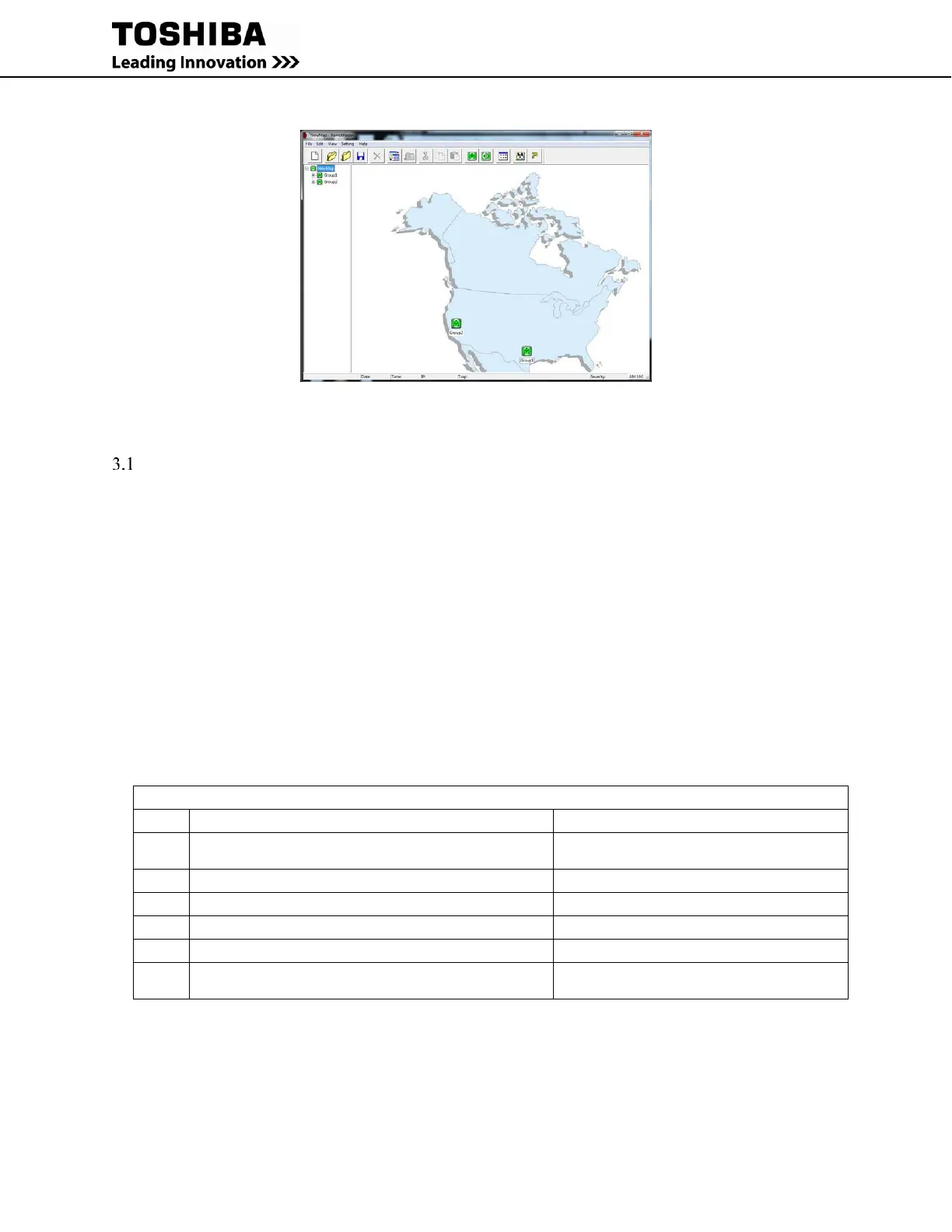
Figure 2-8: RemotRadar Example
3 SETUP
CHECKLIST
The following information is required for first time setup of the RemotEye 4.
NOTE: The RemotEye 4 comes with DHCP enabled by default. If this is the installation method,
then only the MAC address needs to be recorded. See Table 3-1.
RemotEye 4 MAC address
IP Address
Gateway IP Address
Network Mask
SMTP IP Address
NOTE: Although the SMTP IP address is NOT required, it is required for email notification.
1600XP/XPi Only: When installing the RemotEye 4 in a 1600XP/XPi, you will also need the ADMIN
password.
Record the relevant information in the Set-up Checklist, Table 3-1, to facilitate installation and subsequent
troubleshooting.
Table 3-1 Set-up Checklist
* Not required for DCHP (Dynamic Host Configuration Protocol) setup.
** Required for email notifications.
*** Required for 1600XP/XPi Setup



 To Next Page
 Loading...

