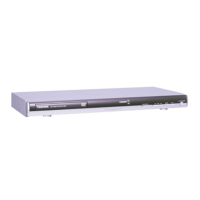
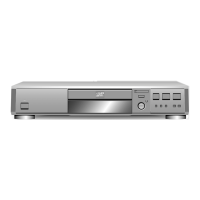
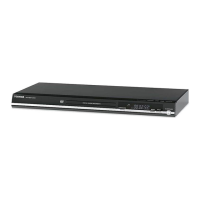
1-8
INTRODUCTION
Front Panel and Display Window
Forward SKIP (
>
)
Go to NEXT chapter/track.
Press and hold for two seconds for
a fast forward search.
Reverse SKIP (
.
)
Go to the beginning of the current
chapter/track or press twice in quick
successions to go to PREVIOUS
chapter/track. Press and hold for two
seconds for a fast reverse search.
STOP (
x
)
Stops playback.
PAUSE (
X
)
Pause playback temporarily/ press repeatedly
for frame-by-frame playback.
PLAY (
N
)
Starts playback.
OPEN/CLOSE (
Z
)
Opens or closes the disc tray.
Power indicator
Lights green when the
DVD player is turned on.
Remote Sensor
Point the DVD Player remote control here.
Disc Tray
Insert a disc here.
ON/STANDBY (
@
/
1
)
Switches the player ON
and OFF.
TITLE Indicates current title number
CHP/TRK Indicates current chapter or track number
Indicates total playing time/elapsed time
PROG. Programmed playback active
RANDOM RANDOM playback
active
Indicates repeat
mode
Display window
Shows the current status
of the player.
bBvV
(left/right/up/down)
Selects an item in the menu.
TOP MENU
Displays the discs Title menu,
if available.
MENU
Accesses menu on a DVD disc.
RETURN
- Removes the setup menu.
- Displays the menu of a
video CD with PBC.
ENTER
Confirms menu selection.



 To Next Page
 Loading...