E6581299
- 11 -
3.2. Windows Vista
* In this example, Windows Vista SP2 is used.
(1) Turn on your computer and start Windows Vista.
Note: Log on to Windows Vista as a computer administrator.
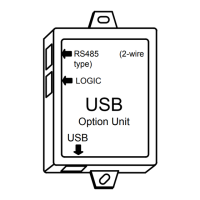
(2) Connect the USB001Z unit to the computer with a USB cable.
* At this time, do not connect the USB001Z unit to the inverter.
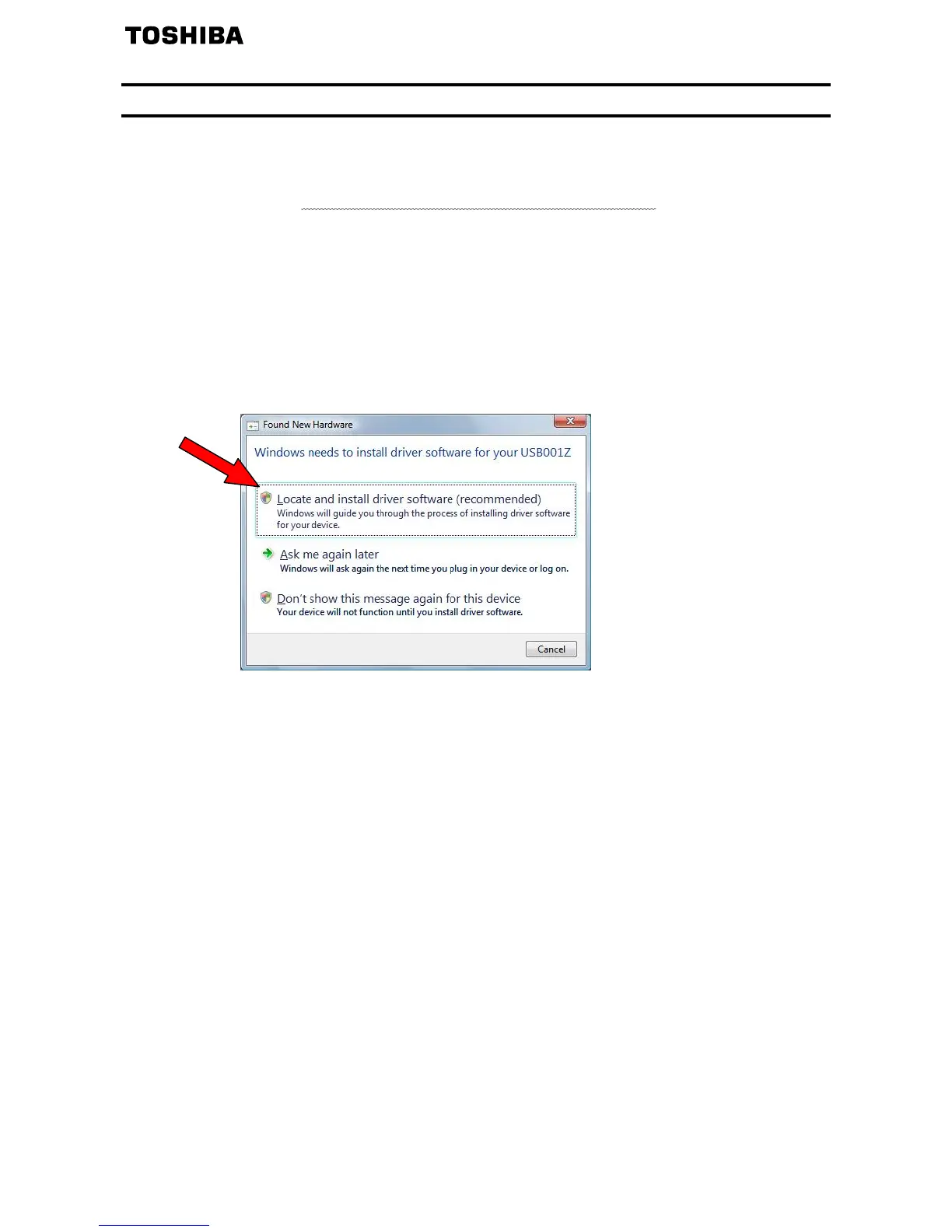
The message “Found New hardware” appears on the screen of your computer monitor
after a short while, as shown in the figure below.
Select “Locate and install driver software (recommended)” in the window.
* If the message “Windows needs your permission to continue” appears during
installation, click [Continue].


 To Next Page
 Loading...