E6581299
- 16 -
3.3. Windows 7
(1) Turn on your computer and start Windows 7.
Note: Log on to Windows 7 as a computer administrator.
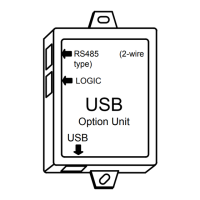
(2) Connect the USB001Z unit to the computer with a USB cable.
* At this time, do not connect the USB001Z unit to the inverter.
The message “Device driver software was not successfully installed" is displayed.
(3) Execute Device manager.
Click “Start” button on Windows 7, RIGHT-click “Computer”, and select “Properties”
from the menu that appears.


 To Next Page
 Loading...