www.toucansmarthome.com/pages/
smarthomeapp
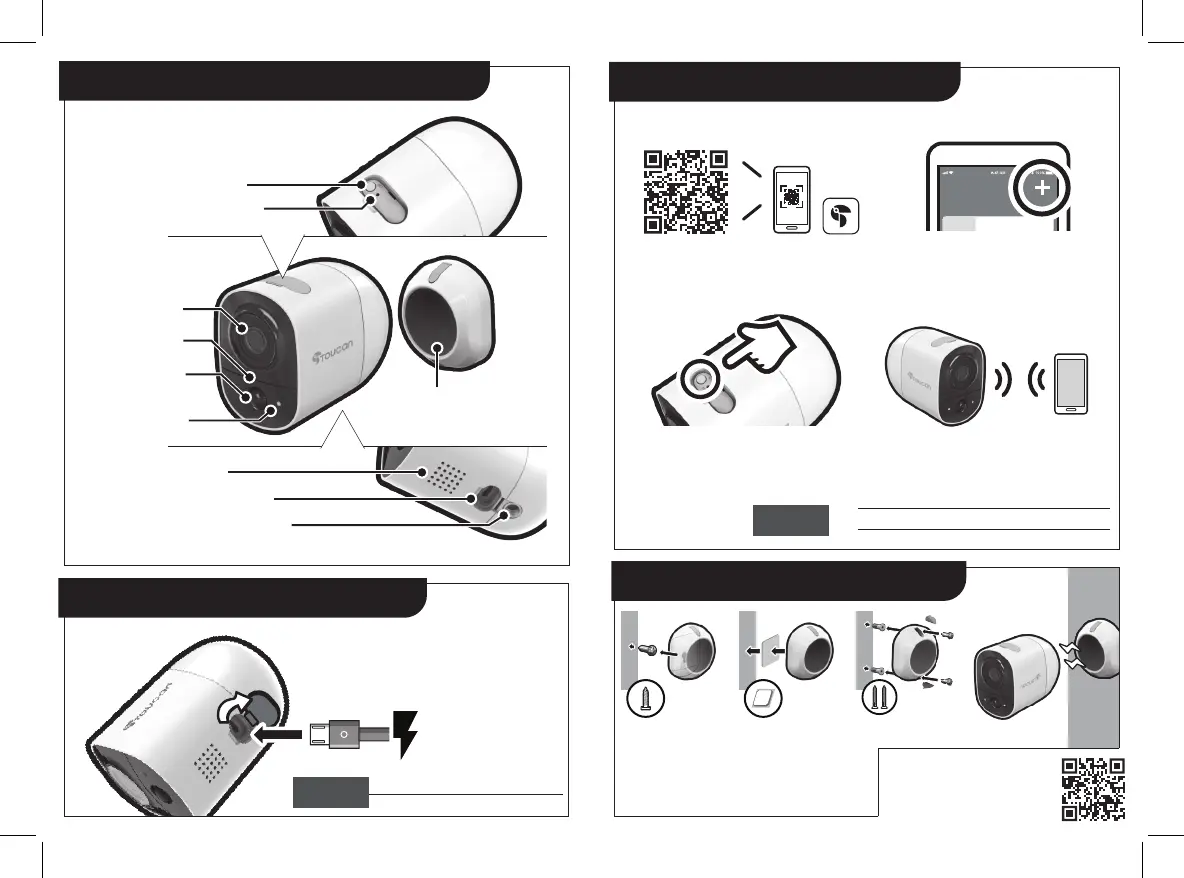
SET button
RESET button
Camera lens
Microphone
Light sensor
motion sensor
LED indicator
Magnetic
base mount
Speaker
Mirco USB plug
Tripod screw hold
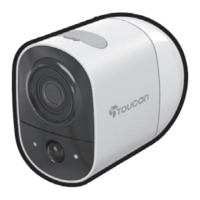
Get to know your wireless outdoor camera
Charge your wireless outdoor camera
Open the bottom cover,
plug in the micro USB cable
to charge the camera.
Recommend to fully charge the device before 1st use.
Solid Red
Solid Blue
Charging Battery
Battery Fully Charged
Setup your wireless outdoor camera
Install your wireless outdoor camera
Download Toucan app
Scan QR code or visit
Open the app to add camera.
Press and hold the SET button
until LED light blinks to enter
the setup mode.
Follow the camera voice
navigation to complete setup.
Available at Apple© App Store© and Google Play™
Flashing BLUE
Flashing PURPLE
Flashing RED
Setup Mode
Connecting to cloud server
Connection Failed
If using 3M adhesive only, please allow 24-48 hours before placing the camera onto
the mounting base to ensure maximum bonding
strength. Apply 3M adhesive to dry surfaces only.
You can mount the camera using just the adhesive
on UPVC, wooden or smooth surface door frames
(not suitable for brick or stone)
*
**
For detailed setup procedure,
please refer to Toucan website or
scan the QR code above
LED
Description
LED
Description


 To Previous Page
 Loading...