25
Touch Pad
Use the touch pad to navigate your WAVE. As you use
the touch pad, you will see the cursor move on the
screen.
Slide one finger along the center of the touchpad to
move the cursor. Tap gently to select.
Use two fingers to drag an item; for example, to move
the Navigation bar.
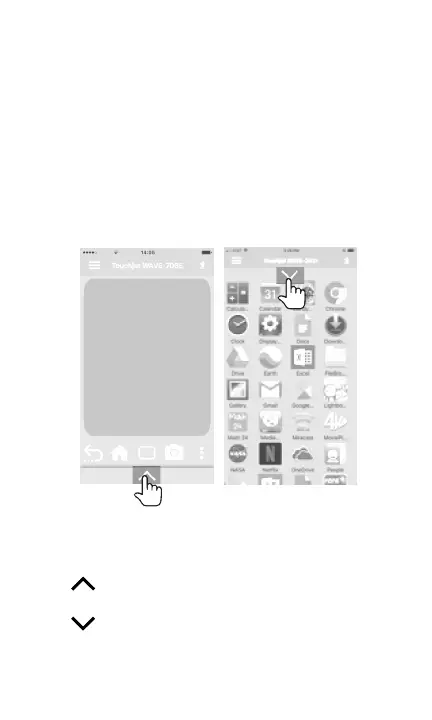
Launch Apps
Tap to display all the apps on the WAVE. Tap on
an app to launch.
Tap to return to touch pad.



 To Next Page