229
2-4. Using other driving systems
2
When driving
4RUNNER_U
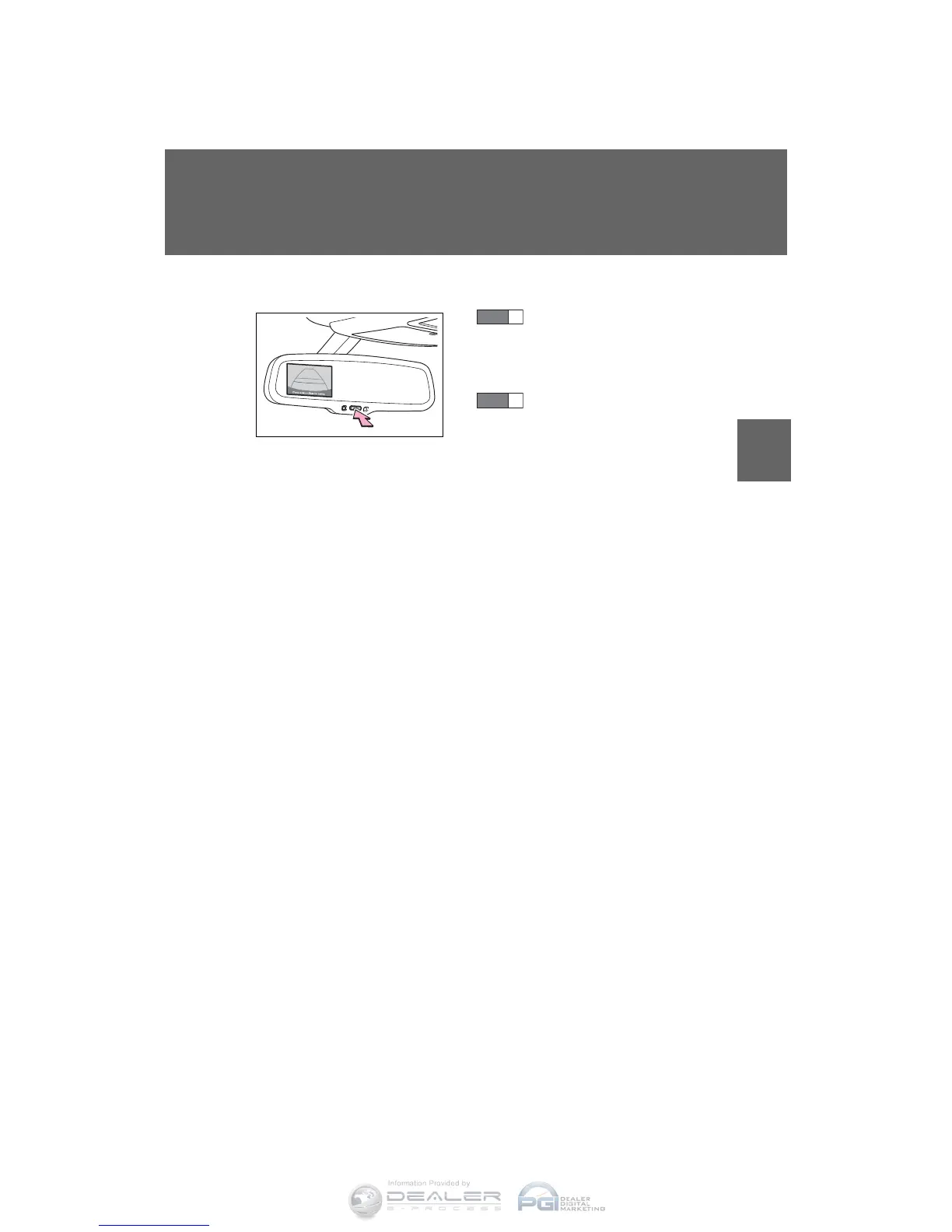
■ Selecting a language (English, French or Spanish)
Push and hold the “AUTO”
button for 6 to 12 seconds.
The screen will turn on and
the indicator will turn green.
Push the “AUTO” button.
Each time the “AUTO” switch
is pushed, the language
changes. Stop pushing the
button when the message is
displayed in the desired lan-
guage. After approximately 5
seconds, the warning mes-
sage will flash once and the
language will be set.
CTH24AS080
STEP
1
STEP
2












 To Next Page