369
3-2. Using the audio system
3
Interior features
4RUNNER_U
Operating a USB memory
∗
Connecting a USB memory enables you to enjoy music from the
vehicle speakers.
■ Connecting a USB memory
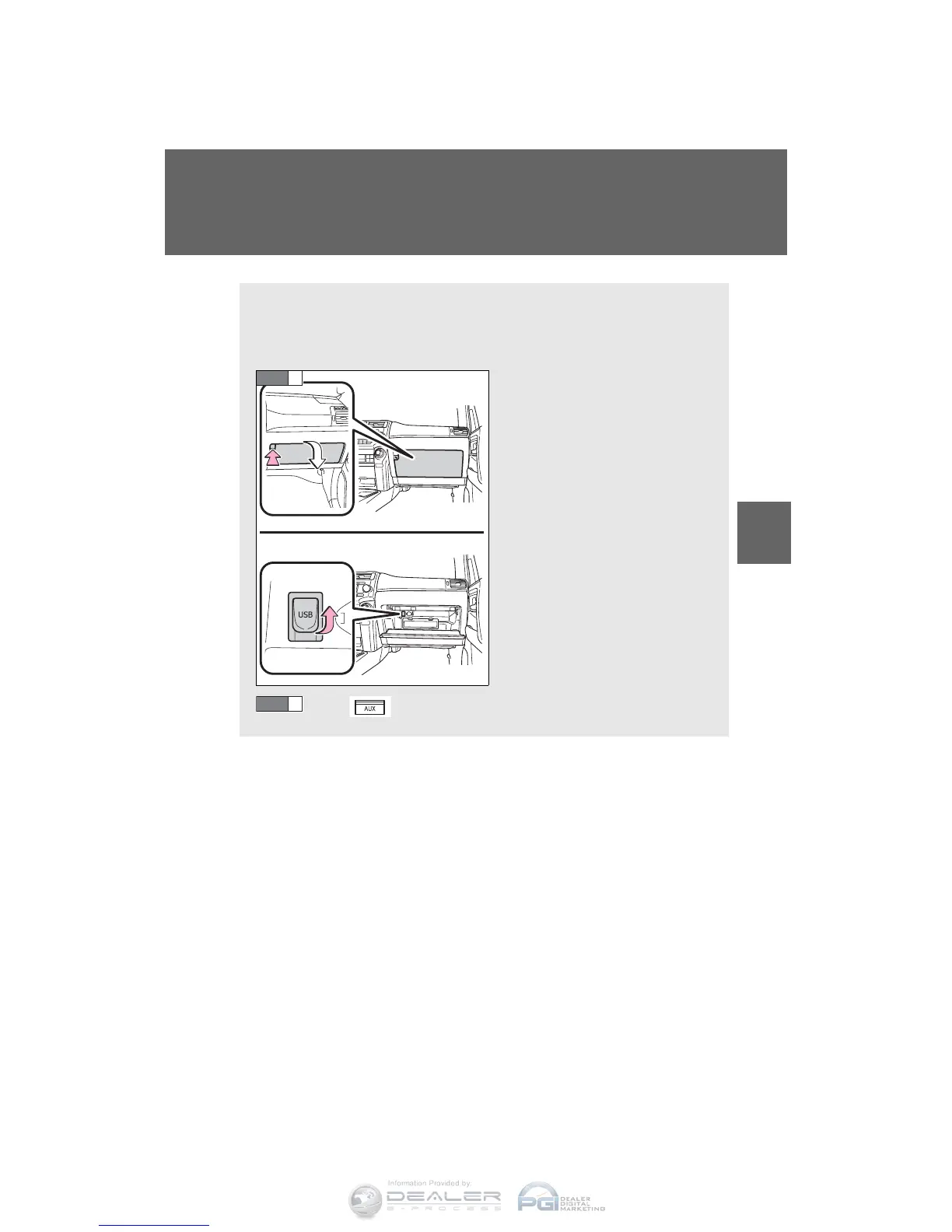
Open the glove box and con-
nect a USB memory.
Turn on the power of the USB
memory if it is not turned on.
Press .
CTH32AS081
STEP
1
STEP
2
∗: If equipped


 To Next Page
 Loading...