101
3-1. Key information
3
Operation of each component
4RUNNER (U)_(OM35B23U)
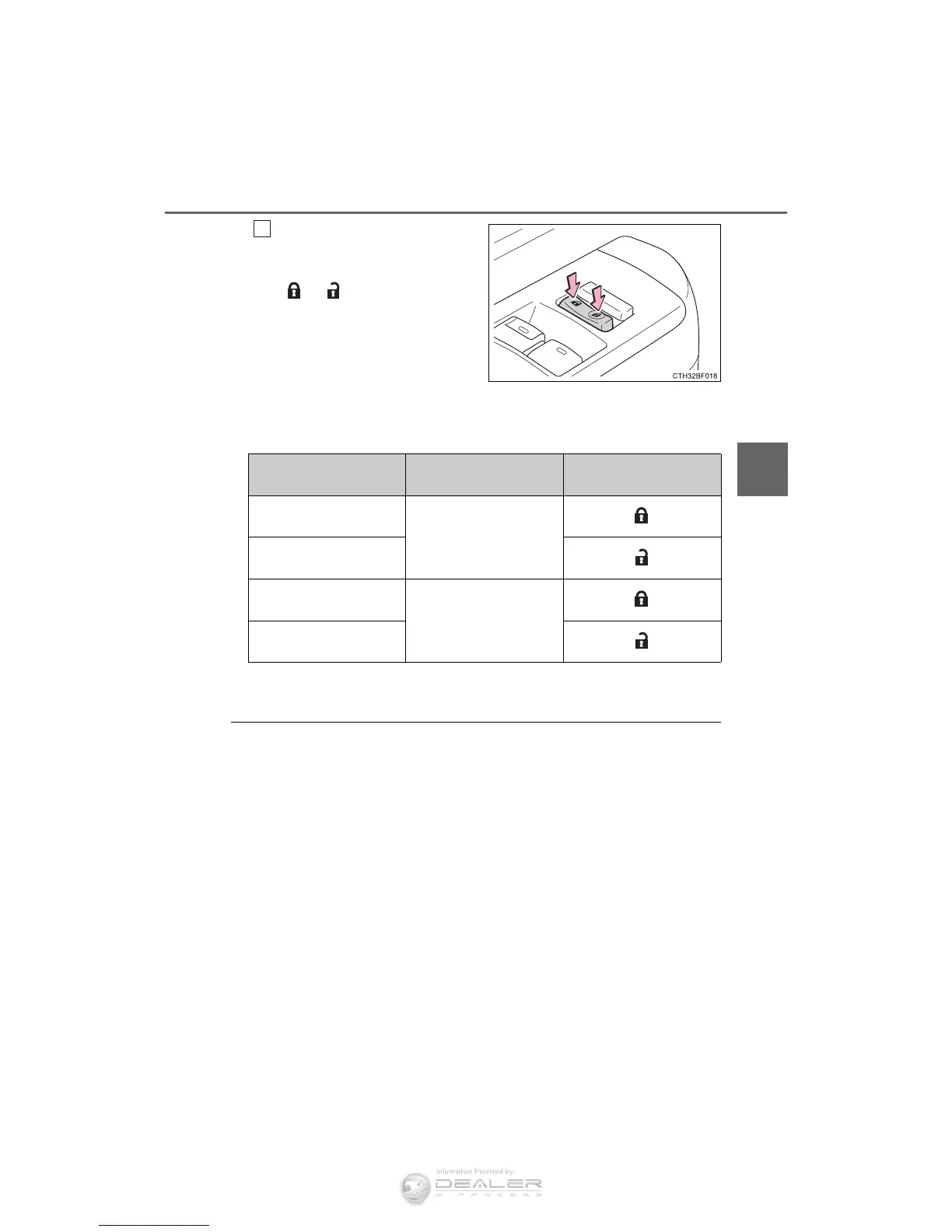
Shift the shift lever to P or N,
and press and hold the
driver's door lock switch
(
or ) for approxi-
mately 5 seconds and then
release.
The shift lever and switch posi-
tions corresponding to the
desired function to be set are
shown in the following table.
Use the same procedure to can-
cel the function.
When the setting or canceling operation is complete, all the doors are
locked and then unlocked.
■ Customization
Settings (e.g. unlocking function using a key) can be changed.
(Customizable features: P. 485)
2
Function
Shift lever
position
Driver’s door lock switch
position
Shift position linked
door locking function
P
Shift position linked
door unlocking function
Speed linked door lock-
ing function
N
Driver's door linked
door unlocking function












 To Next Page