324
3-1. Using the air conditioning system and defogger
4RUNNER_U
Adjusting the settings manually
■ Basic setting
To turn on the air conditioning system and adjust the fan
speed, press “>” on to increase the fan speed and
“<” to decrease the fan speed.
Press to turn the fan off.
To adjust the temperature setting, turn clockwise to
increases the temperature and turn counterclockwise
to decreases the temperature.
When is pressed (the indicator on is on) or the pas-
senger’s side temperature control dial is turned, the temperature for
the driver and passenger seats can be adjusted separately.
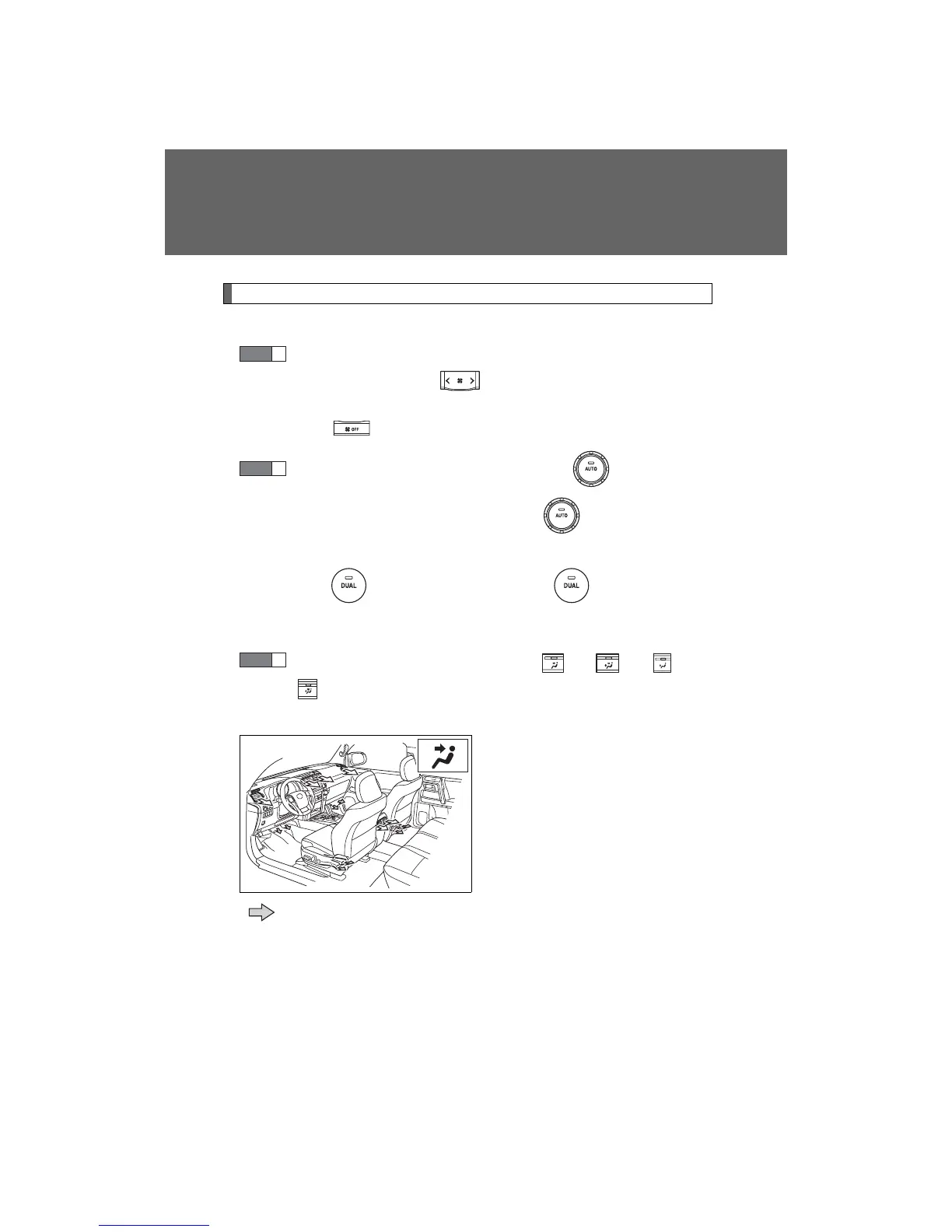
To change the air outlets, press , , or
.
The air flow shown on the display indicates the following:
Air flows to the upper body.
: May occur in automatic mode
STEP
1
STEP
2
STEP
3
CTH31AS009













 To Next Page