5
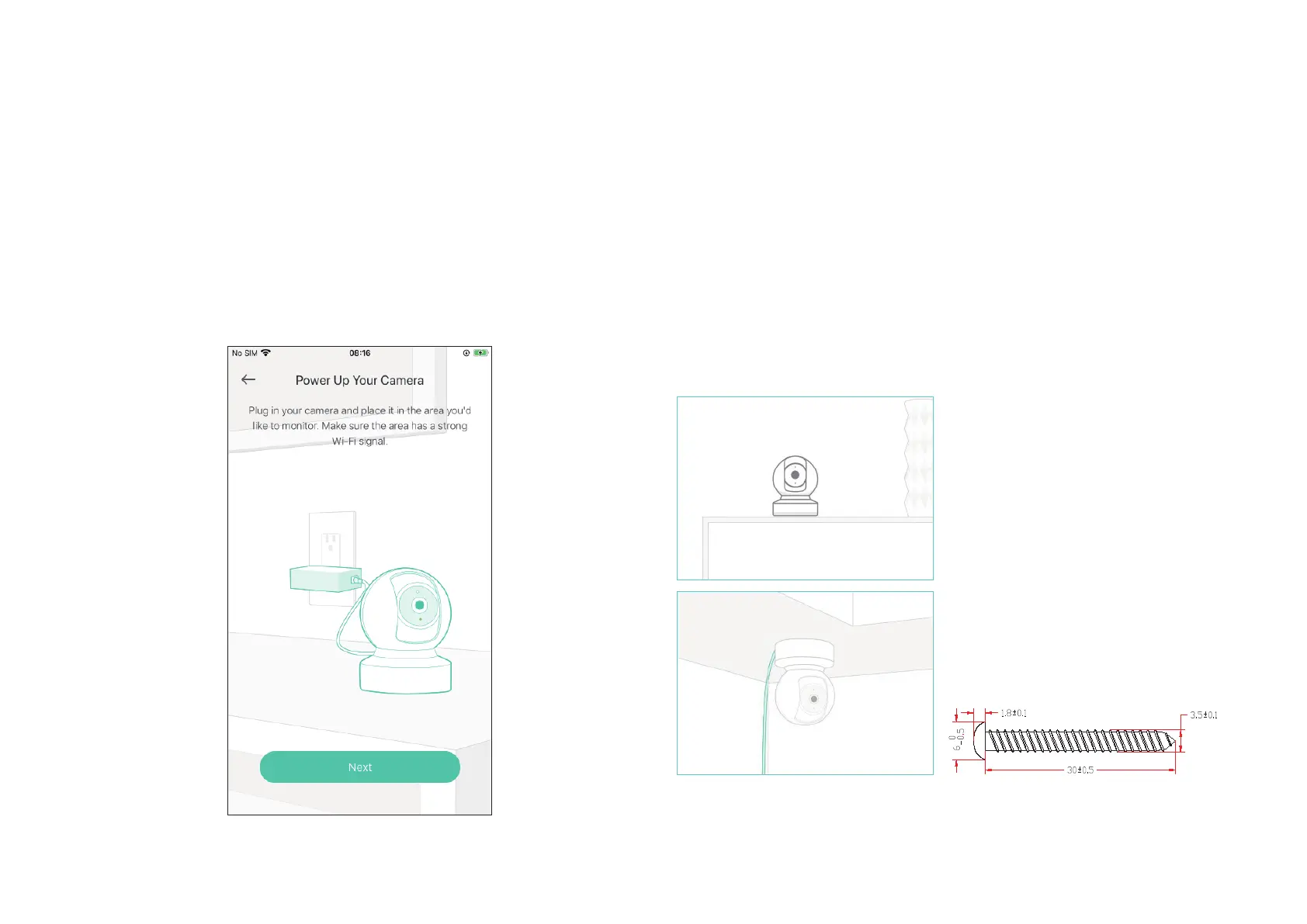
Step 4. Congure Camera
Follow app instructions to configure your camera and add it to your
home network.
Step 5. Place Camera
Place your camera on a at surface, or install it on a wall or ceiling with
the provided indicator label and mounting screws.
• For soft surface: Directly screw the screws in.
• For cement wall: Drill two holes* with the help of indicator label, insert the plastic
expansion tubes into holes and screw the mounting screws into the expansion tubes.
* Diameter of the holes: 6 mm (15/64 in.)
Unit: mm




 To Next Page