©2024 TP-Link 7106511280 REV1.0.0
Tapo App
OR
Quick Start Guide
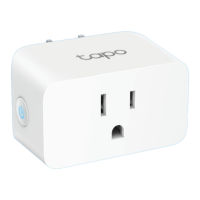
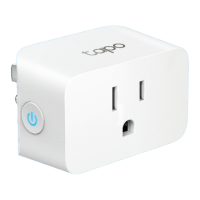
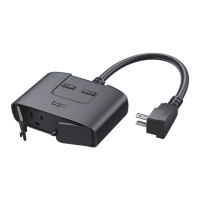
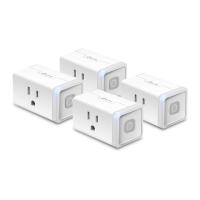
Mini Smart Wi-Fi Plug
Getting Started
1. Get the Tapo app from the App Store or Google
Play.
2. Follow the instructions in the Tapo app to
complete the setup.
How to Reset the Plug
Reset Wi-Fi while keeping previous settings
Press & hold for 5s:
Factory reset the plug
Press & hold for 10s:
Supported Load Types
Load Type Max Current
Max Power (at 230V~)
TV
Steam Iron
Kettle
Heater
Toaster
Coee Maker
Desk Lamp
PC
Fan
Water Pump
Power Adapter / USB Charger
16 A
16 A
16 A
16 A
16 A
0.75 A
2 A
3.5 A
1 A
3 A
1.2 A
3200 W
3200 W
80 W
2500 W
2500 W
2000 W
350 W
600 W
150 W
550 W
200 W
Note:
1. Avoid plugging your appliances with a motor/compressor higher
than 3/4 HP, such as an air conditioner. Frequent on/o switching
may damage the compressor. You can check the motor/compressor
value listed on your appliances or consult their Support.
2. EV charging is not supported as it demands higher power and a
charging current that surpasses the plug's rated capacity.

 Need help?
 General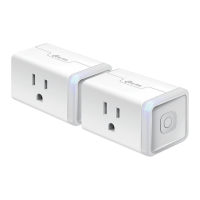



 To Next Page