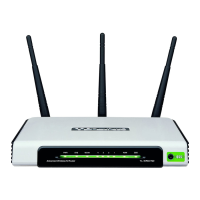
TL-WR941ND Wireless N Router
Step 3: Wait for a while until the next screen appears. Click Finish to complete the QSS
configuration.
The QSS Configuration Screen of Wireless Adapter
Method Two:
Step 1: Press the QSS button on the front panel of the Router.
Step 2: For the configuration of the wireless adapter, please choose Push the button on my
access point in the configuration utility of the QSS as below, and click Next.
-20-












 To Next Page
