15
User’s manual
EN
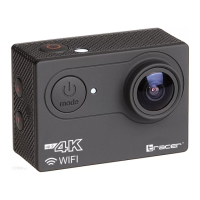
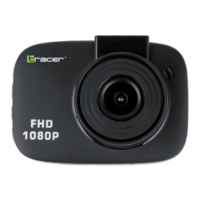
Tracer eXplore
SJ 4060 + WiFi
• In order to clean the seal, rinse it in fresh water and shake (using a
cloth to dry the seal may damage it). Re-insert the gasket into the
grooves of the back cover of the waterproof casing.
• If using the camera as a drive recorder, always follow the relevant
local regulations. Illegal use of the product will result in legal
consequences. In some countries, the use of drive recorders (or, in
particular, publishing the recordings on the Internet) may be illegal.
We suggest that you familiarize yourself with the current regulations
in force.
• The product must be used with an appropriate level of lighting. Do
not point the camera directly at the sun or other strong light sour-
ces, as this may cause damage to the optical system of the device.
• This product is a precision electronic device that cannot be exposed
to very strong vibrations and shocks. It cannot be used in close
proximity to strong magnetic or electric elds.
• Due to the standard process of battery wear, the manufacturer
warranty is given for up to three months.
TF card:
• The camera supports high speed (at least calss10) TF (Micro SD)
cards with high capacity – up to 32 GB.
• Please format the card before using it for the rst time, or after
using it in another device.
• Be sure to turn off the device prior to inserting and removing the
card from the camera.
• During long period of use, the card may heat up and its memory
capacity may be reduced over time.
• Remember that the card is a sensitive electronic device – protect it
from moisture, twisting, falls, crushing and strong electromagnetic
elds.
• You can lose data stored on the card, if the device loses power
during recording.


 To Next Page
 Loading...