User Manual
EN
Smartwatch Tracer SM7
10
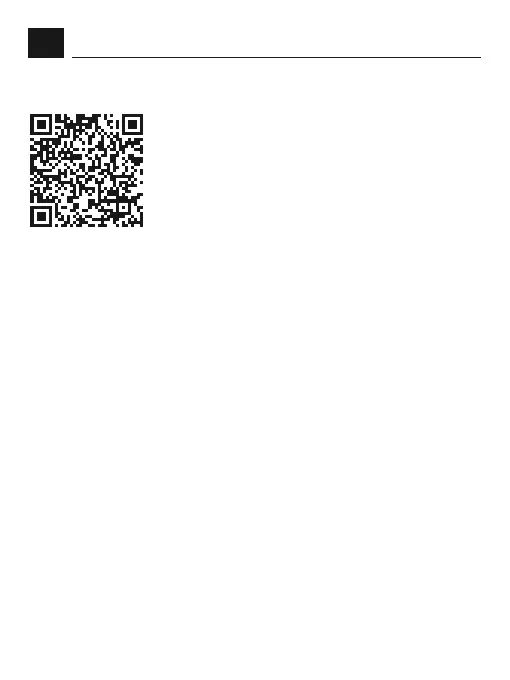
Downloading Smart Watch APP
Scan QR code with mobile phone to download APP.
If the scanning does not work please follow below
points. For IOS system, select APPstore, search
Da Fit.
Android system, select Google Play to download
and install Da Fit.
Note: your mobile phone must support Android 5.1 or IOS 8.0 or above,
and Bluetooth 4.0 or above.
Bind Smart Watch with APP
Please enter APP and try tap the DEVICE icon.
At the top of the screen you will have a full list of all devices found in the
close range to your mobile.
Please make sure that your watch is turned on and it is on the list.
Tap its name to get in connected.
Bluetooth call connect
After the APP successfully connects to the watch’s Bluetooth.
1. The phone will automatically pop up a «pairing» request, click
«Allow».
2. For some brands of mobile phone models, there is no need to pop
up the pairing conrmation permission. After connecting to Bluetooth,
the call function is also directly connected. After the binding is
successful, you can answer and make calls on the watch.


 To Next Page
 Loading...