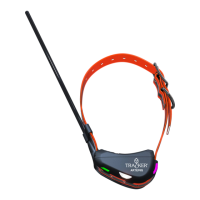
Getting started with Tracker Artemis
To start using the Tracker GPS Collar, please make sure Tracker App
for Android or Tracker Hunter 4 (iOS) is installed on your mobile device
and that your license is valid. You can add extra time or activate your
license directly from the Tracker app or from your reseller. Please note,
Tracker service can also be used on the web browser: client.tracker.
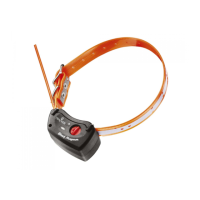
Getting started with Tracker Easy collar
1. Android: In Tracker app, click on to access Target menu list
Iphone & iPad: select > Targets
2. Click on Add
3. Select “Add Tracker Easy” and scan the QR displayed on side of the
collar package. Your new collar will be automatically added to Target
menu list.
Basic operation during hunting
Switching on
Open the cover door that says ”OPEN HERE” from the backside of the
device.


 To Next Page