Step 10
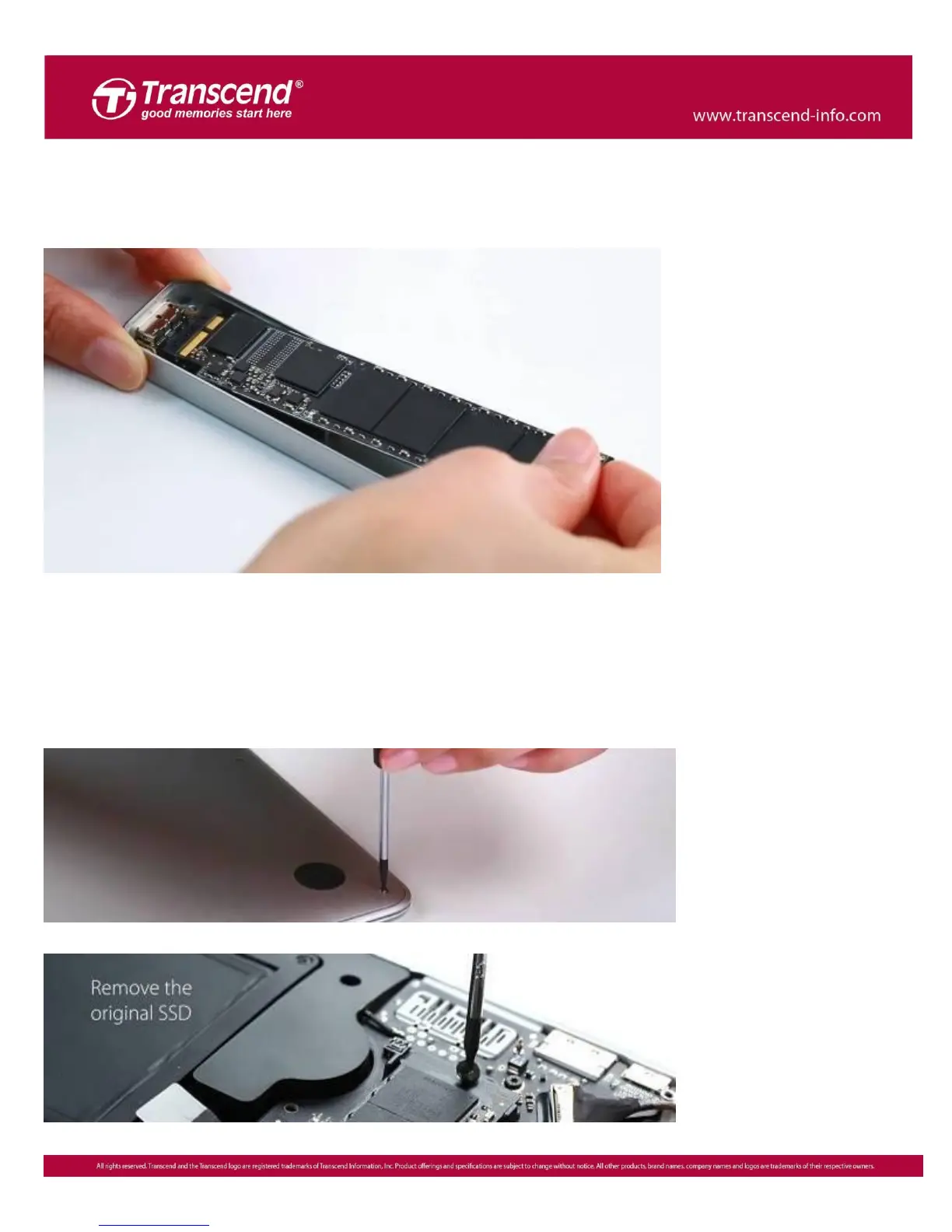
After the cloning process is complete, shut down your Mac and remove your
JetDrive from the enclosure.
Step 11
Use the included P5 screwdriver to remove the MacBook bottom case and the T5
screwdriver to remove the single screw holding the SSD. Gently remove the original
SSD and insert your JetDrive. Tighten all screws to finish the installation.
※ Remember to disconnect the power adapter prior to the installation process.













 To Next Page