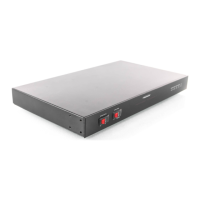
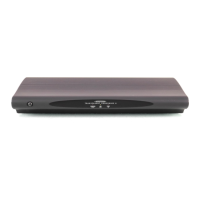
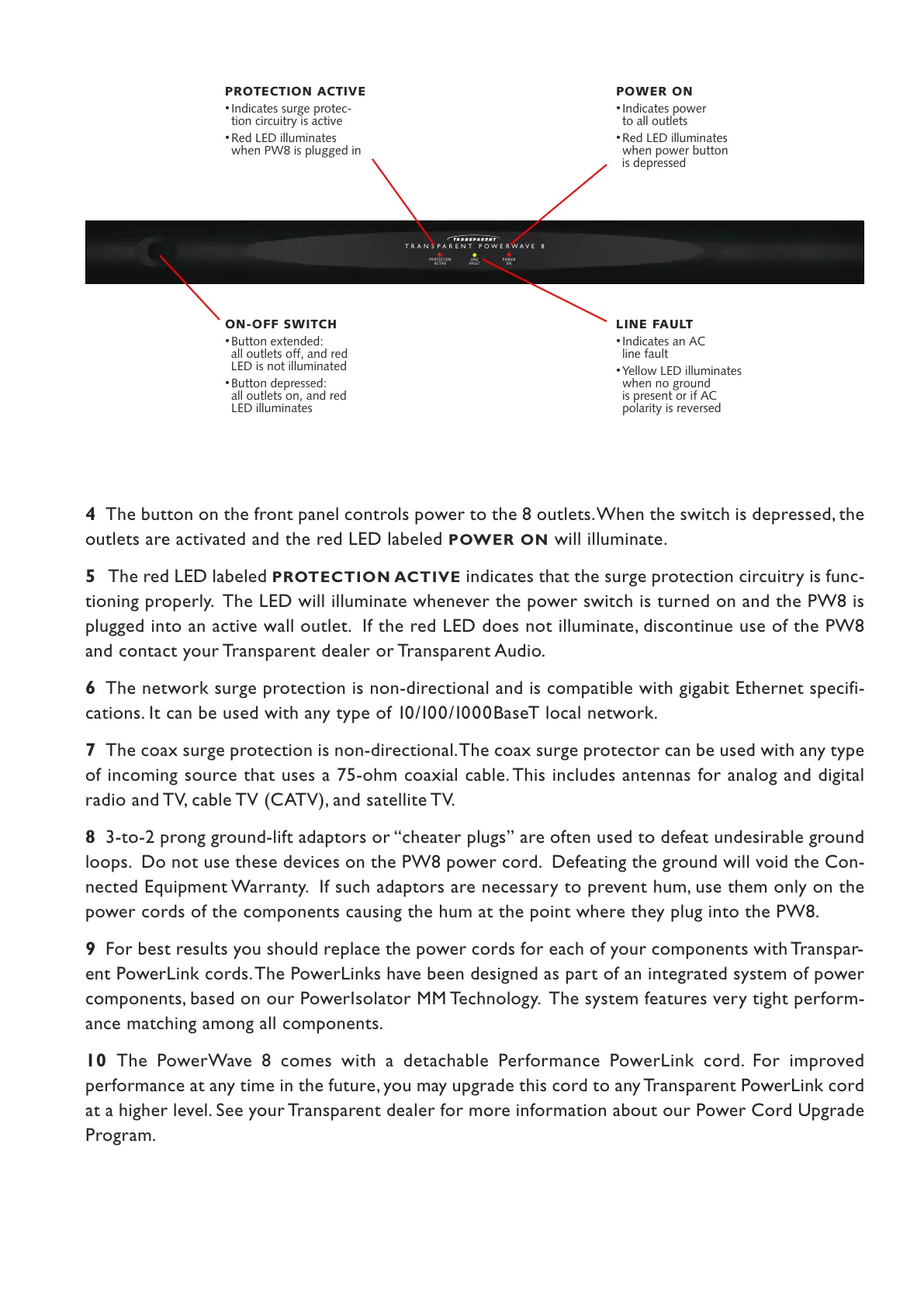
4 The button on the front panel controls power to the 8 outlets. When the switch is depressed, the
outlets are activated and the red LED labeled
POWER ON will illuminate.
5 The red LED labeled PROTECTION ACTIVE indicates that the surge protection circuitry is func-
tioning properly. The LED will illuminate whenever the power switch is turned on and the PW8 is
plugged into an active wall outlet. If the red LED does not illuminate, discontinue use of the PW8
and contact your Transparent dealer or Transparent Audio.
6 The network surge protection is non-directional and is compatible with gigabit Ethernet specifi-
cations. It can be used with any type of 10 /100/1000BaseT local network.
7 The coax surge protection is non-directional. The coax surge protector can be used with any type
of incoming source that uses a 75-ohm coaxial cable. This includes antennas for analog and digital
radio and TV, cable TV (CATV), and satellite TV.
8 3-to-2 prong ground-lift adaptors or “cheater plugs” are often used to defeat undesirable ground
loops. Do not use these devices on the PW8 power cord. Defeating the ground will void the Con-
nected Equipment Warranty. If such adaptors are necessary to prevent hum, use them only on the
power cords of the components causing the hum at the point where they plug into the PW8.
9 For best results you should replace the power cords for each of your components with Transpar-
ent PowerLink cords. The PowerLinks have been designed as part of an integrated system of power
components, based on our PowerIsolator MM Technology. The system features very tight perform-
ance matching among all components.
10 The PowerWave 8 comes with a detachable Performance PowerLink cord. For improved
performance at any time in the future, you may upgrade this cord to any Transparent PowerLink cord
at a higher level. See your Transparent dealer for more information about our Power Cord Upgrade
Program.
ON-OFF SWITCH
•
Button extended:
all outlets off, and red
LED is not illuminated
•
Button depressed:
all outlets on, and red
LED illuminates
POWER ON
•
Indicates power
to all outlets
•
Red LED illuminates
when power button
is depressed
PROTECTION ACTIVE
•
Indicates surge protec-
tion circuitry is active
•
Red LED illuminates
when PW8 is plugged in
LINE FAULT
•
Indicates an AC
line fault
•
Yellow LED illuminates
when no ground
is present or if AC
polarity is reversed


 To Next Page
 Loading...