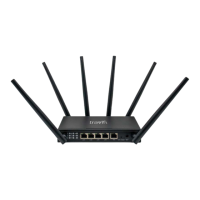
After navigating to the Web User Interface, log in by following this step:
1. On your mobile device, login to the Web User Interface’s Home Page using the
default user name of admin and the default password which will be a series of
letters and numbers. Both of these can be found on the sticker located on the
bottom of the router.
3.2 Setup Wizard
After logging into the , the Setup Wizard will appear. The
Setup Wizard will guide
users along the configuration steps, it is imperative they follow the guide step by
step.
8
JourneyXTR
JourneyXTR
CPE-0001
CPE-0001
JourneyXTR
JourneyXTR
JourneyXTR


 To Next Page
 Loading...