© Copyright 2014 TRENDnet. All Rights Reserved.
Internet Settings
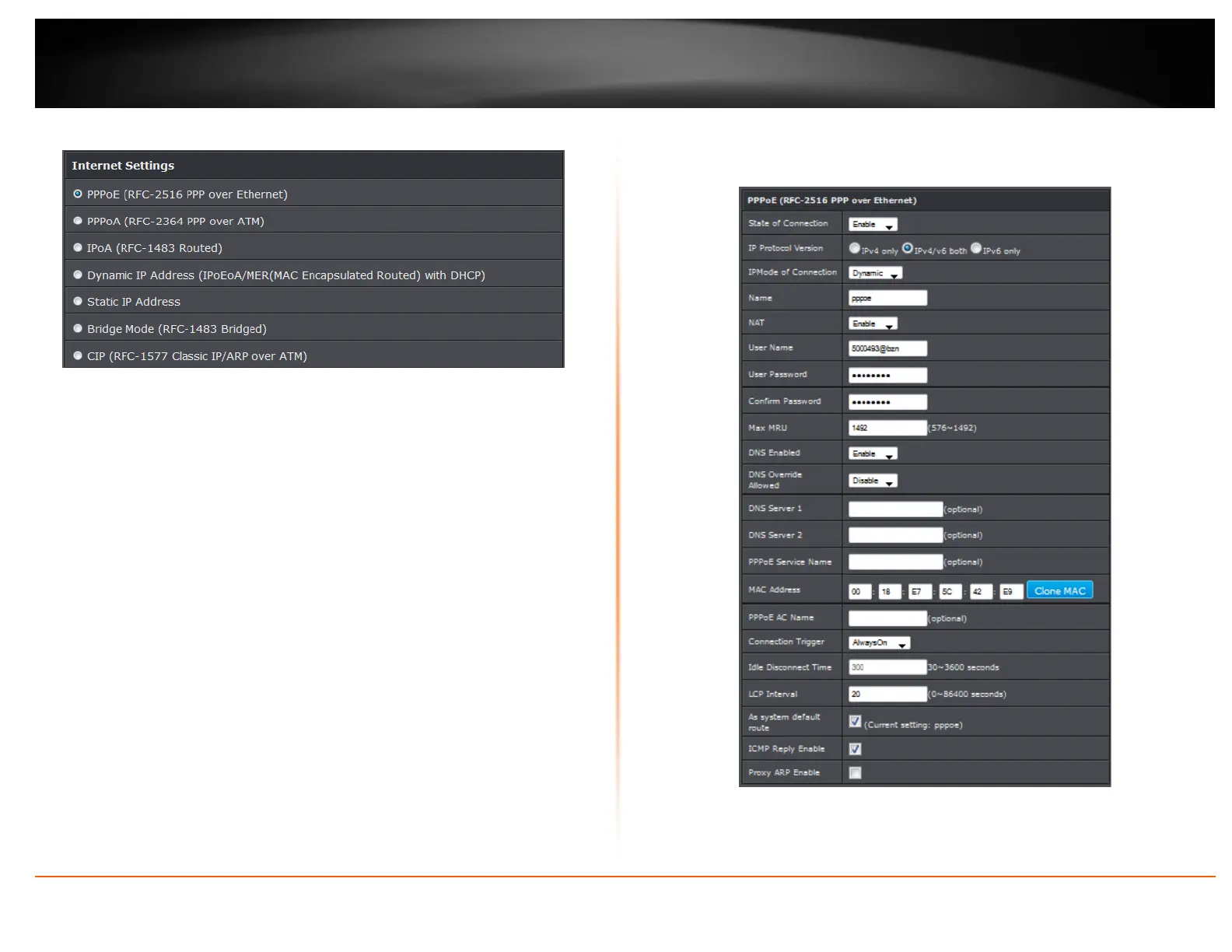
Internet Settings: Select your ADSL internet type. Contact your ISP for additional
information.
PPPoE / PPPoA
If you select PPPoE (RFC-2516 PPP over Ethernet), the screen below is displayed.
State of Connection: Select whether to enable or disable this connection.
IPMode of Connection: Select the connection mode, options are:



 To Next Page