ESPANOL I DEUTSCH I FRANQAIS
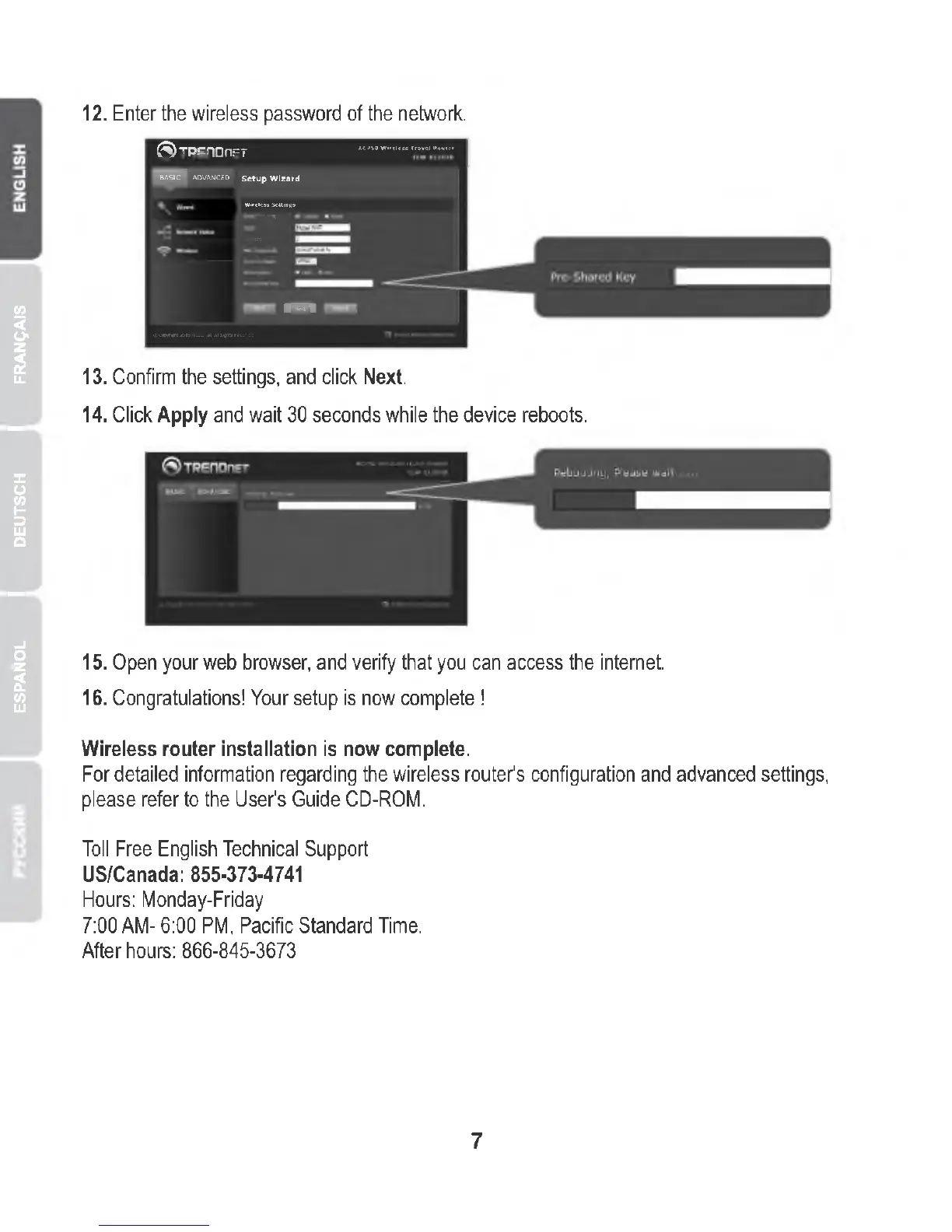
12. Enter the wireless password of the network.
(S)TREnOnF
;T AC750 Wireless TraveH*outer |
basic"! advanced Setup Wizard
Wireless Settings
nan
— — -~ .
—
13. Confirm the settings, and click Next.
14. Click Apply and wait 30 seconds while the device reboots.
15. Open your web browser, and verify that you can access the internet.
16. Congratulations! Your setup is now complete !
Wireless router installation is now complete.
For detailed information regarding the wireless router's configuration and advanced settings,
please refer to the User's Guide CD-ROM.
Toll Free English Technical Support
US/Canada: 855-373-4741
Hours: Monday-Friday
7:00 AM- 6:00 PM, Pacific Standard Time.
After hours: 866-845-3673
7















 To Next Page