Thank you for purchasing the TRENDnet TU2-700 7-port USB 2.0 Hub.
This guide will help you setup your 7-port USB 2.0 Hub. Following the
installations should be quick and easy. If you run into problems, please refer to
the Troubleshooting section. If you need further technical support, please visit
www.TRENDNET.com or call technical support by phone.
Verify Package Contents
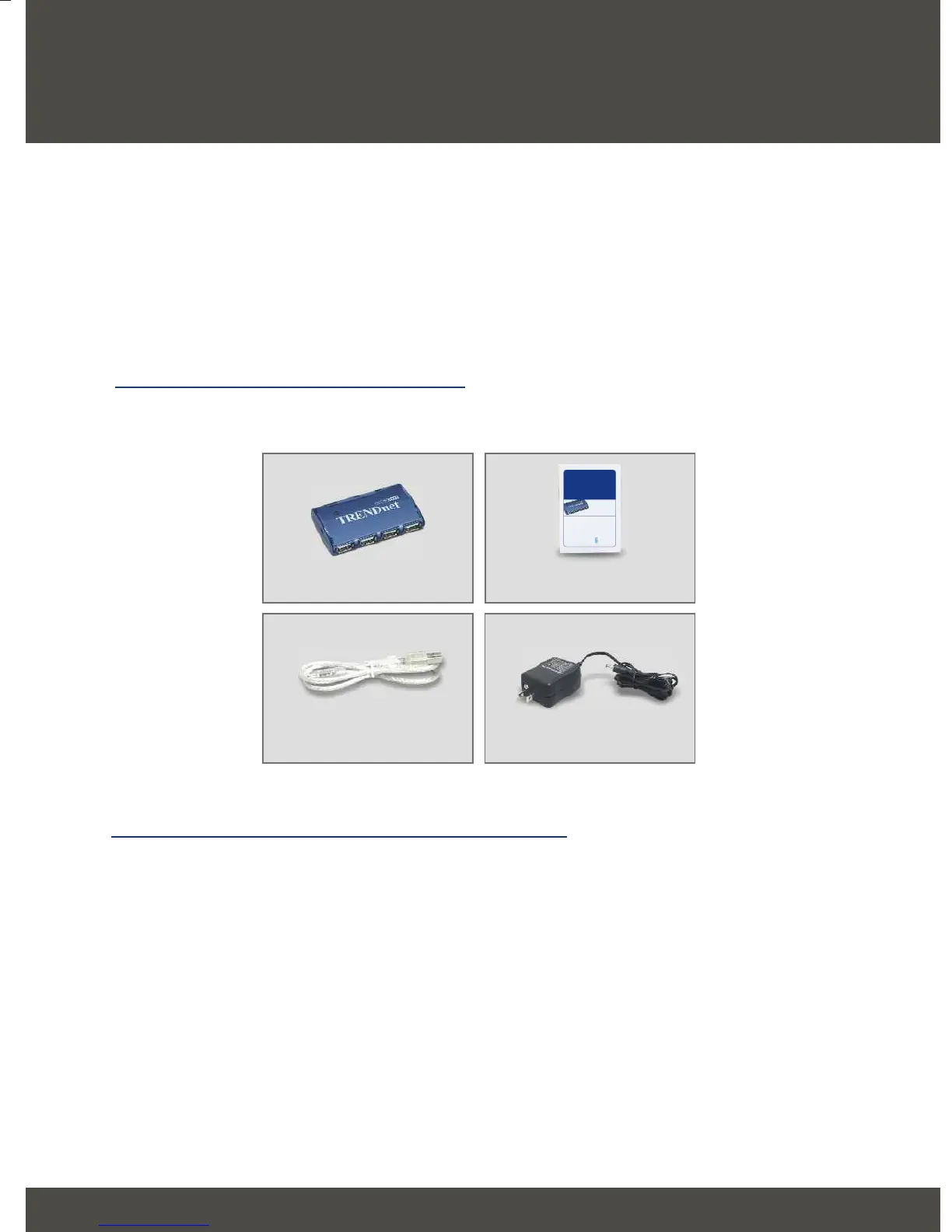
Please make sure you have everything in the box:
1
1. Prepare for Installation
English QIG
English
Minimum System Requirements
1. Pentium 300Mhz or faster with at least 64MB RAM
2. Computer with an available USB port
3. Windows XP, 2000, ME, 98SE or Mac OS X or later
TU2-700
Quick Installation Guide
USB Cable
(Type-A to Mini-B, Male)
Power Adapter
Copyright ©2004. All Rights Reserved. TRENDware International, Inc.
TRENDnet
TRENDware, USA
What's Next in Networking
TU2-700
Version 10.27.04
7-port USB 2.0 Hub
Quick Installation Guide
Guide d'installation rapide du
Hub USB 2.0 à 7 ports
Anleitung zur Schnellinstallation des
7-Port USB-2.0-Hub
Guía de instalación rápida del
Hub USB 2.0 de 7 puertos



 To Next Page